
Connect Codex
Authenticate XO agents with an OpenAI Codex subscription via OAuth.
Connect your OpenAI Codex subscription to an XO agent via OAuth — no API key required. This flow is shared across any agent that exposes a Connect ChatGPT button (OpenClaw, future agents).
What You'll Need
- An XO project that has finished provisioning
- An OpenAI account with a Codex subscription
Connect Your Codex Account
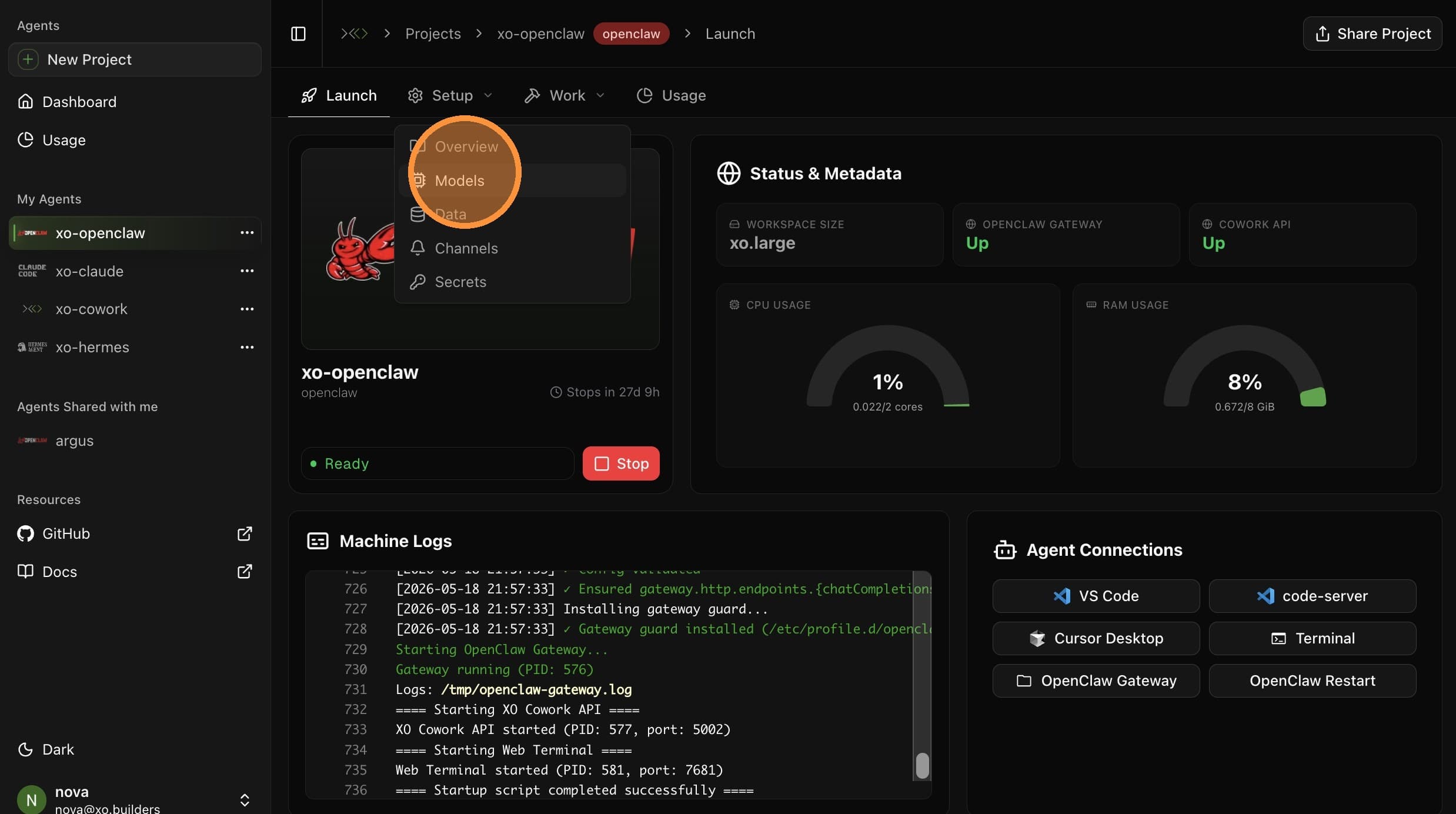
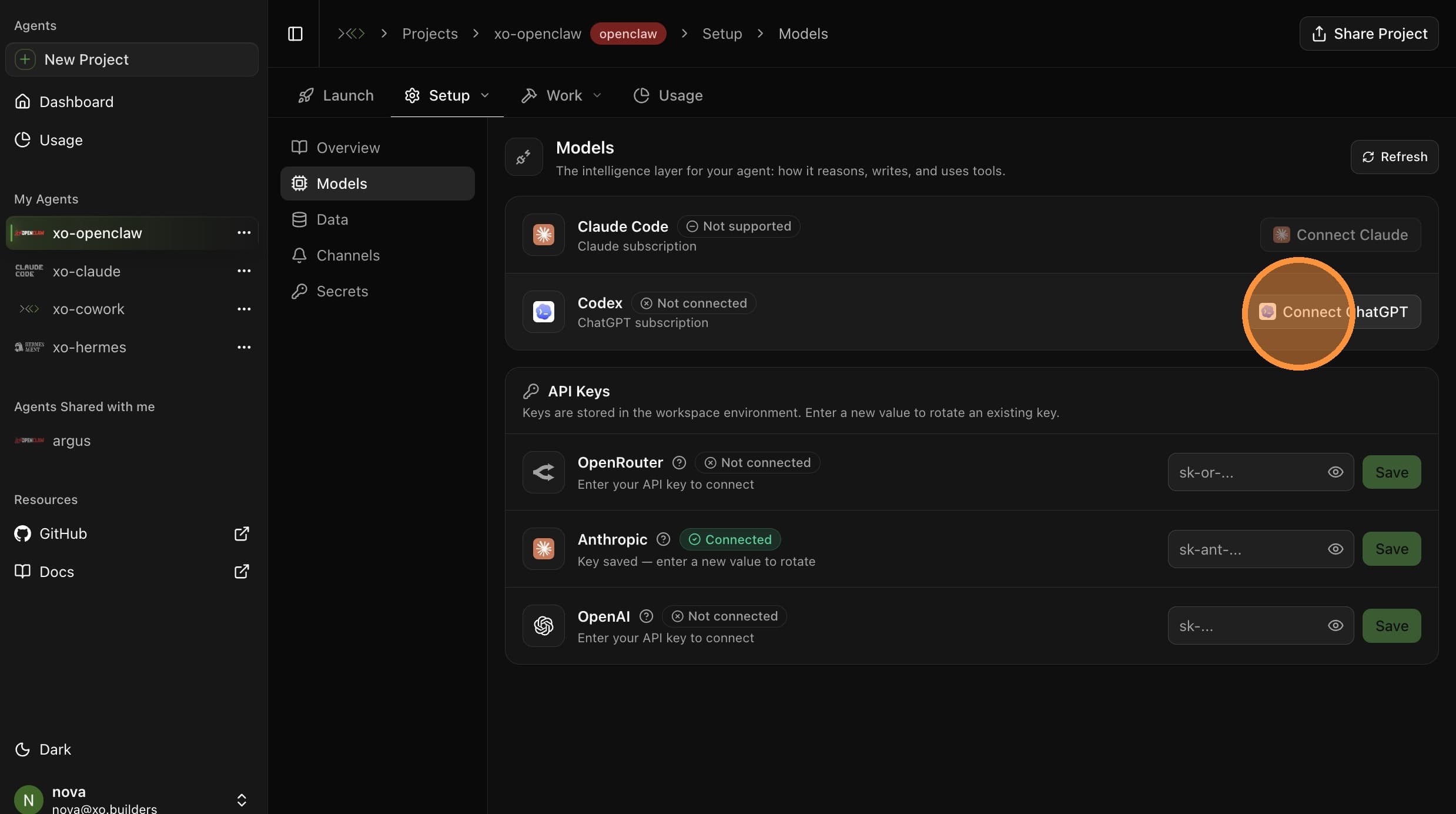
Open Setup → Models
From your project page, open the Setup tab in the top sub-navigation, then select Models.
Open the Sign-in Page
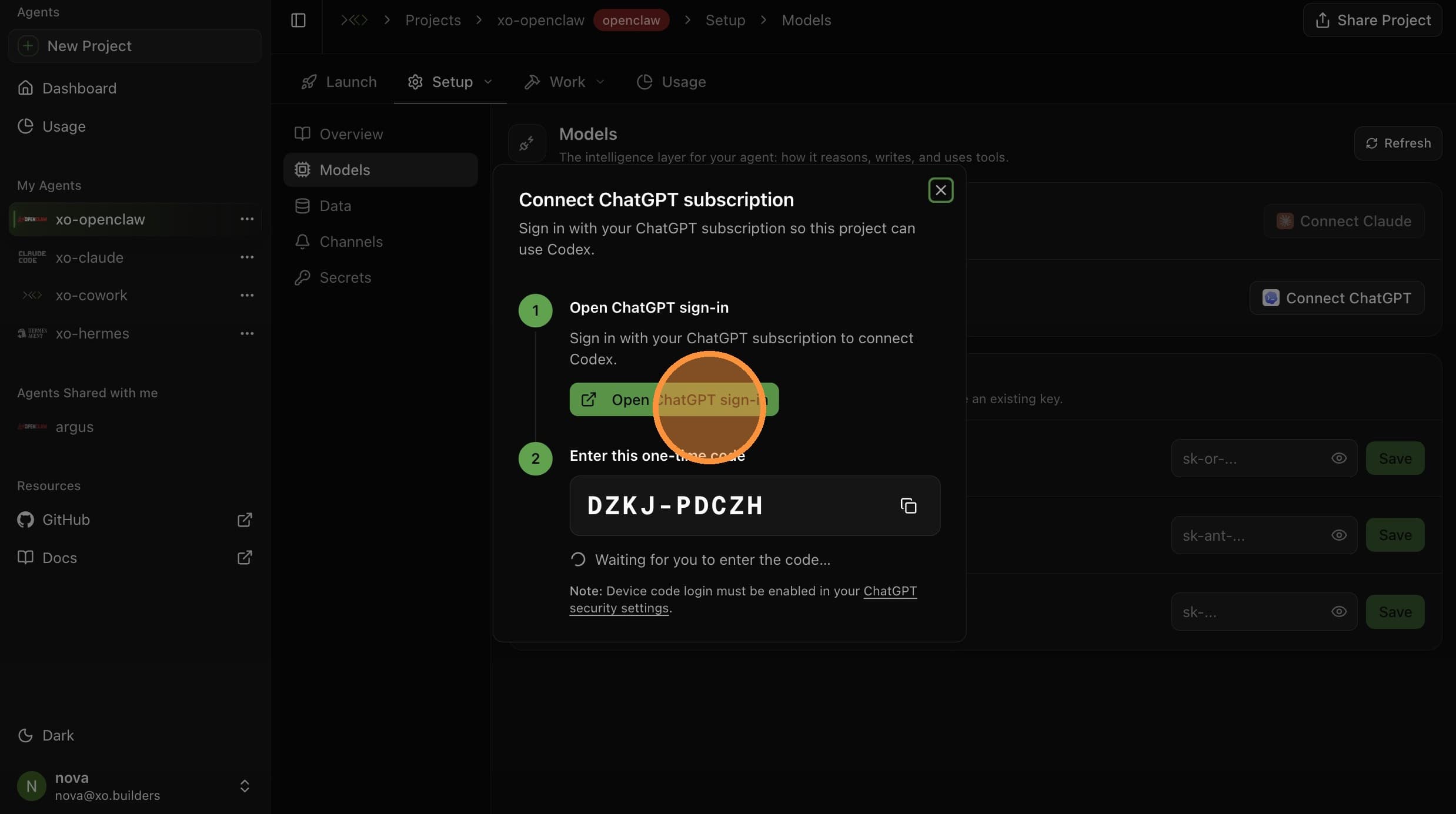
In the Connect ChatGPT modal, click Open ChatGPT sign-in. A new browser tab opens with the OpenAI sign-in.

Sign In to OpenAI
Sign in with the account tied to your Codex subscription and complete any multi-factor authentication prompts.
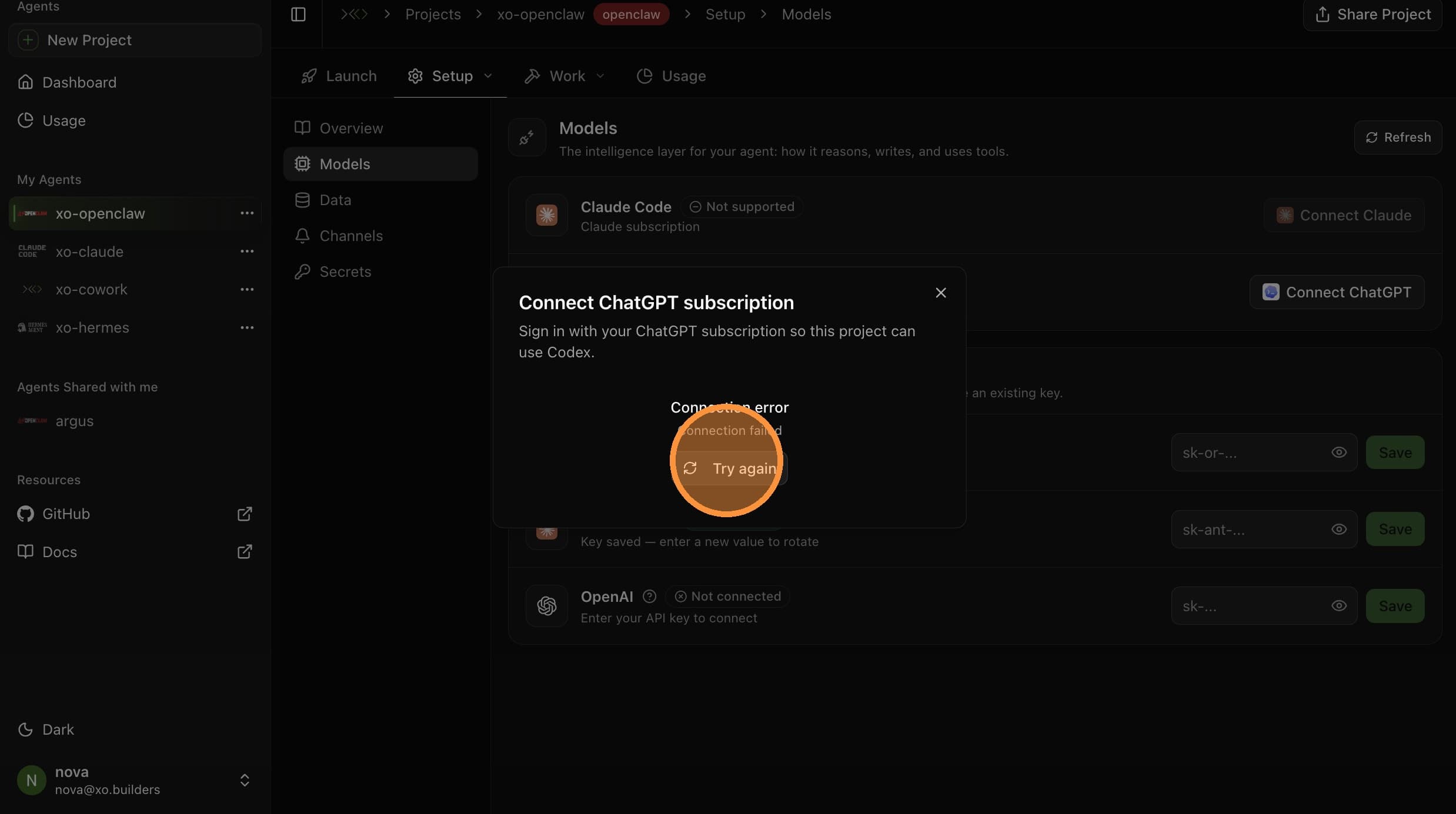
Click Try Again
Switch back to the XO tab and click Try again to generate a device verification code.
Verify the Device
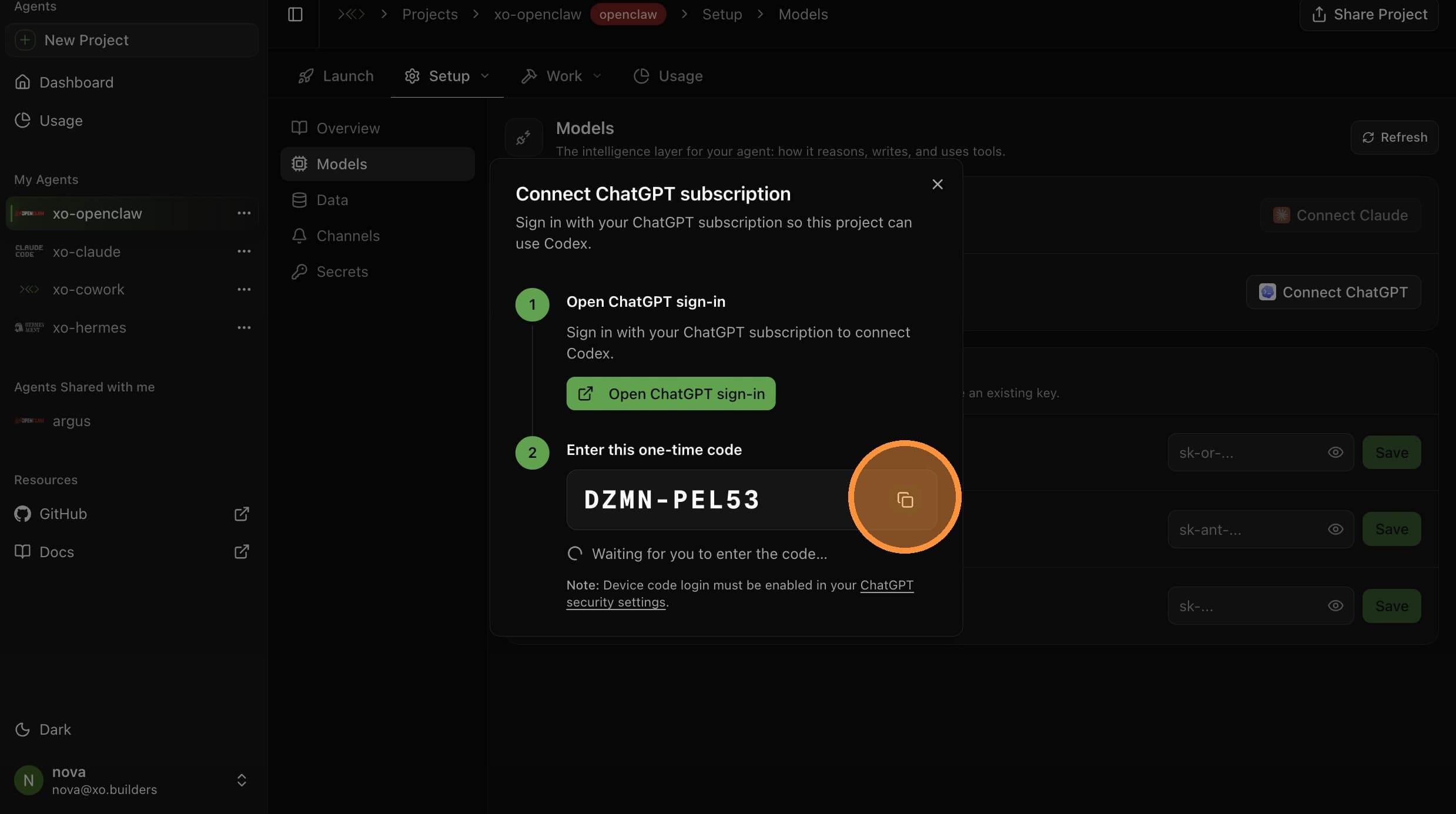

Click Open ChatGPT sign-in again — this time it produces a device verification code. Switch to the OpenAI tab, paste the code into the verification field, and click Continue.
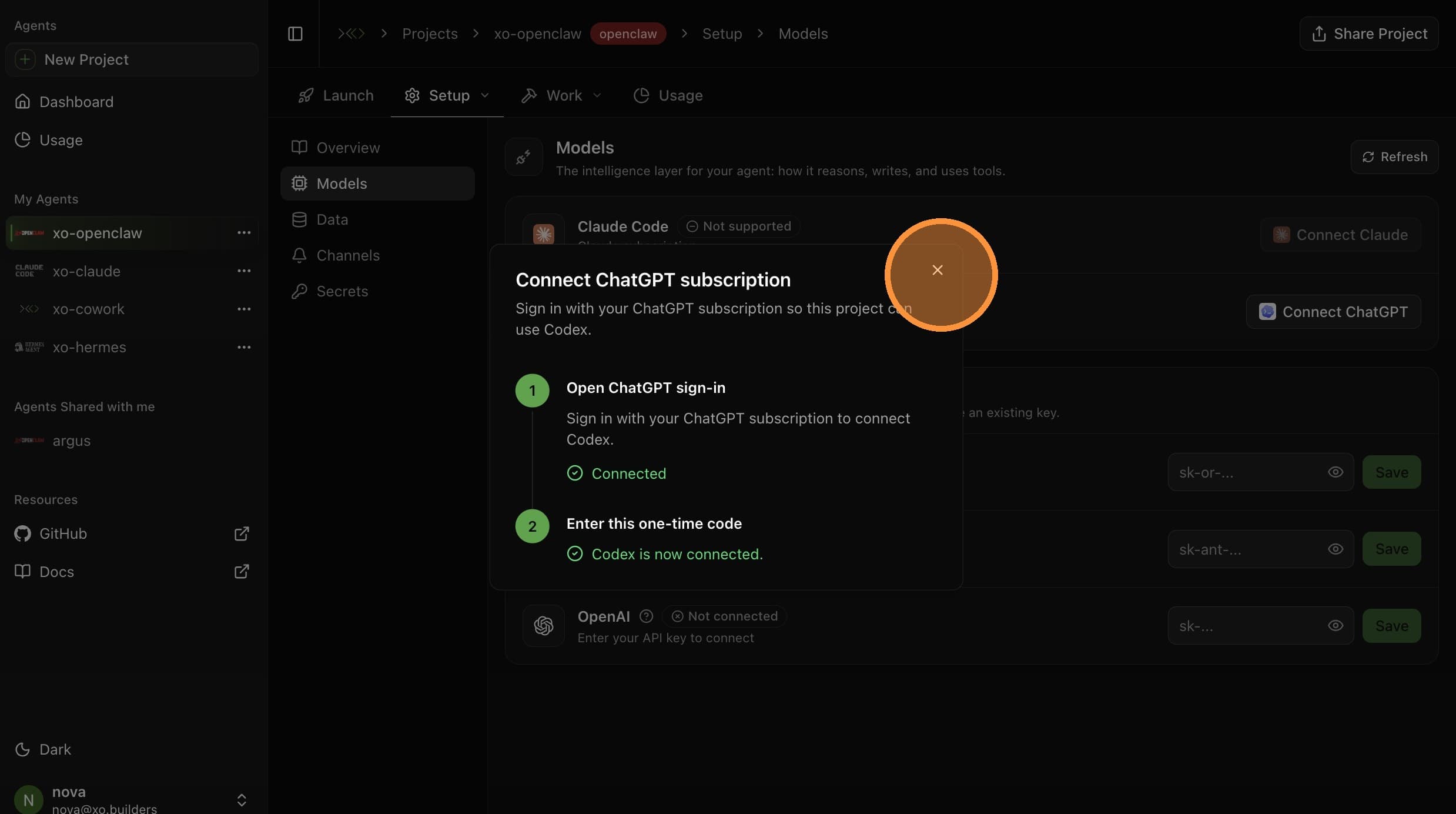
Your Codex subscription is now connected. Your agent will use it for all model calls.