Foundation / compute chassis
Runtime
The local machine or cloud infrastructure that supplies compute and hosts a Space.
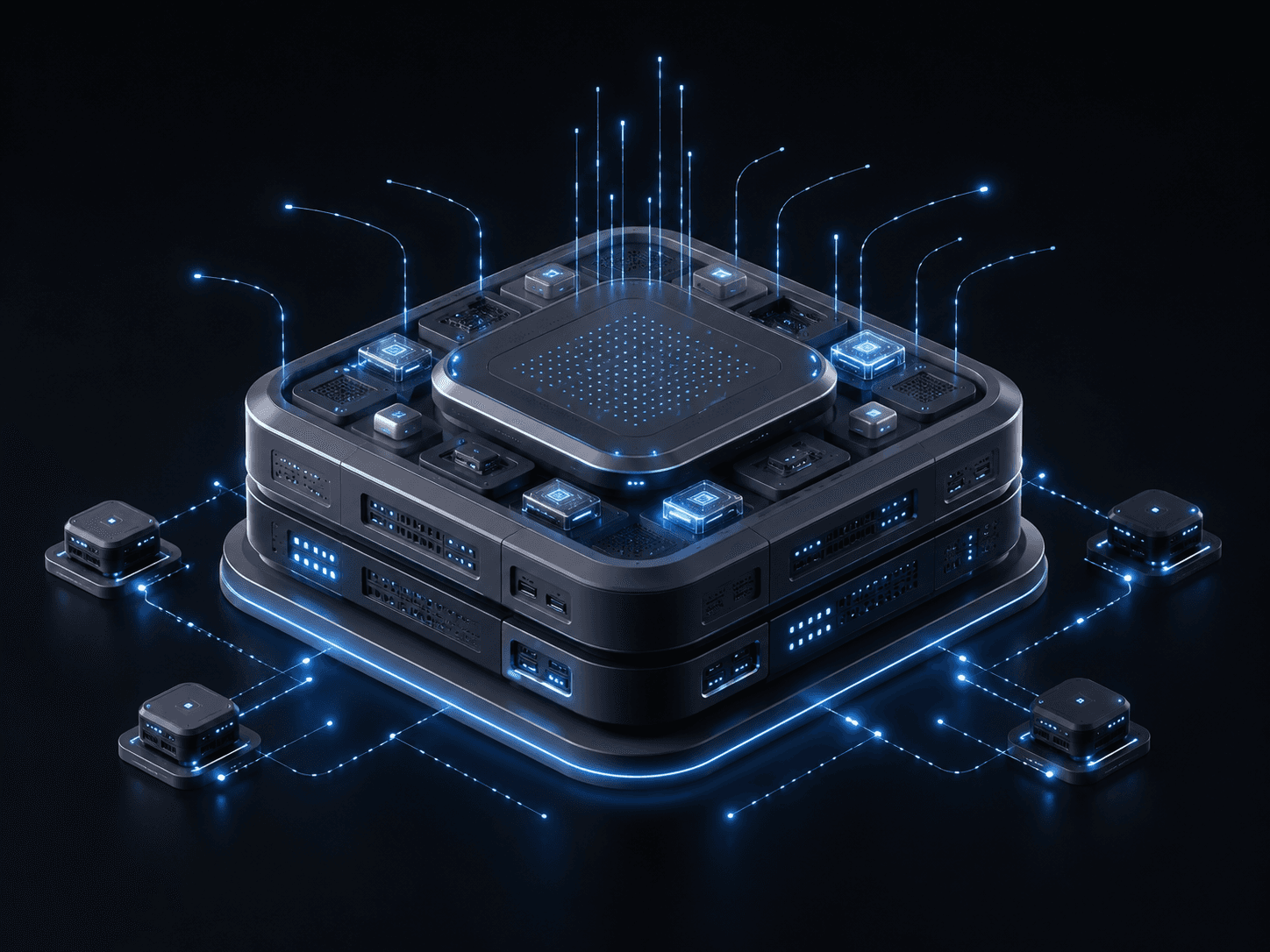
Every agent needs a Runtime (the machine), an Environment (XO Space), an Agent (unopinionated harness), and an Output (quirq). XO decouples the environment from the machine—bringing live observability and verified work measurement to your team.
curl -fsSL https://quirq.ai/install | shRuns locally on localhost:5002 · Auto-detects Claude Code, OpenClaw, Hermes, Antigravity, Cursor
How the system takes shape
Scroll through the five layers. Each one adds a necessary part of the system; together they make agentic work runnable and legible.
Foundation / compute chassis
The local machine or cloud infrastructure that supplies compute and hosts a Space.
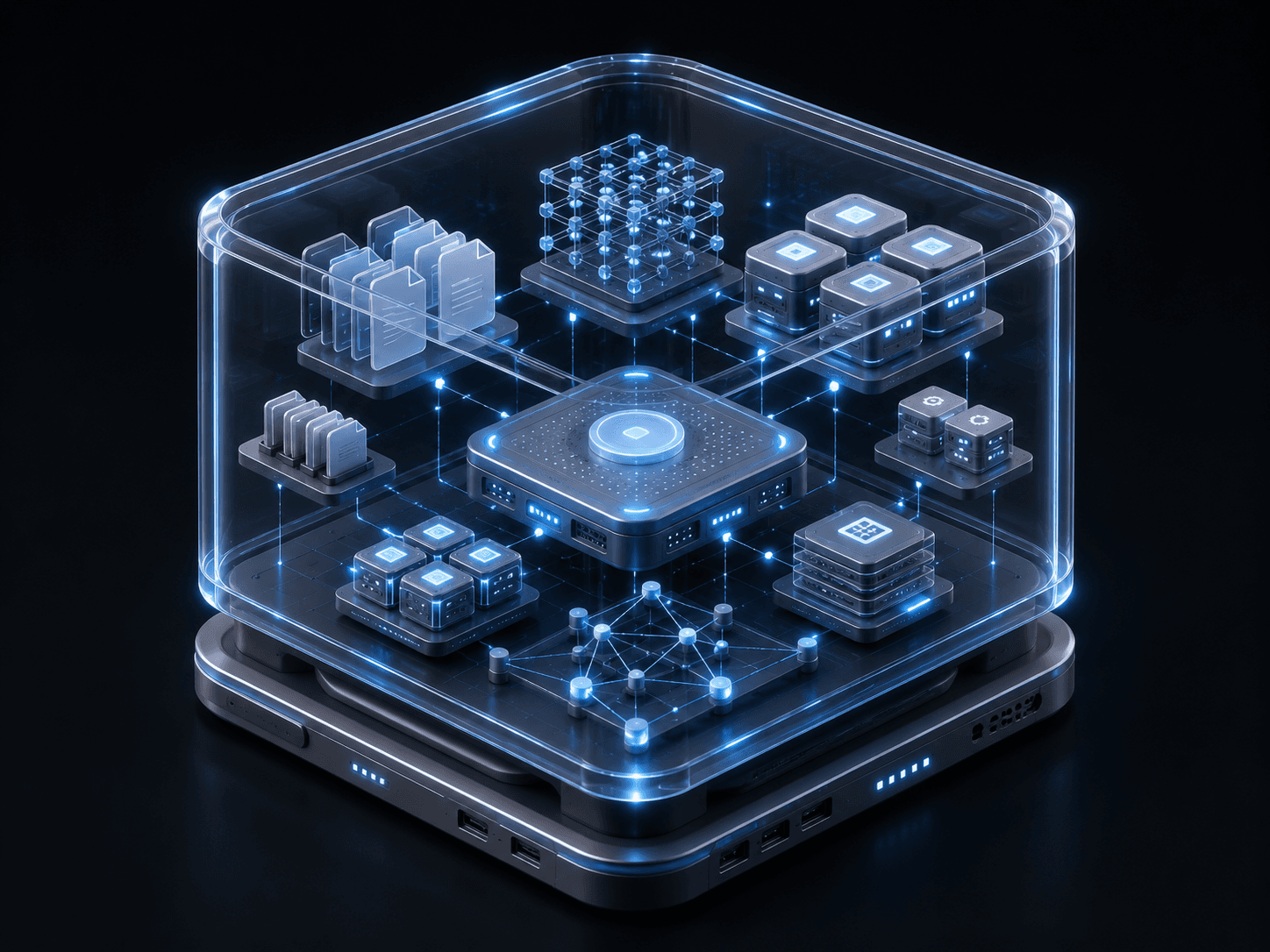
Transparent architectural container
The environment that holds the tools, memory, permissions, and state an agent needs to work.
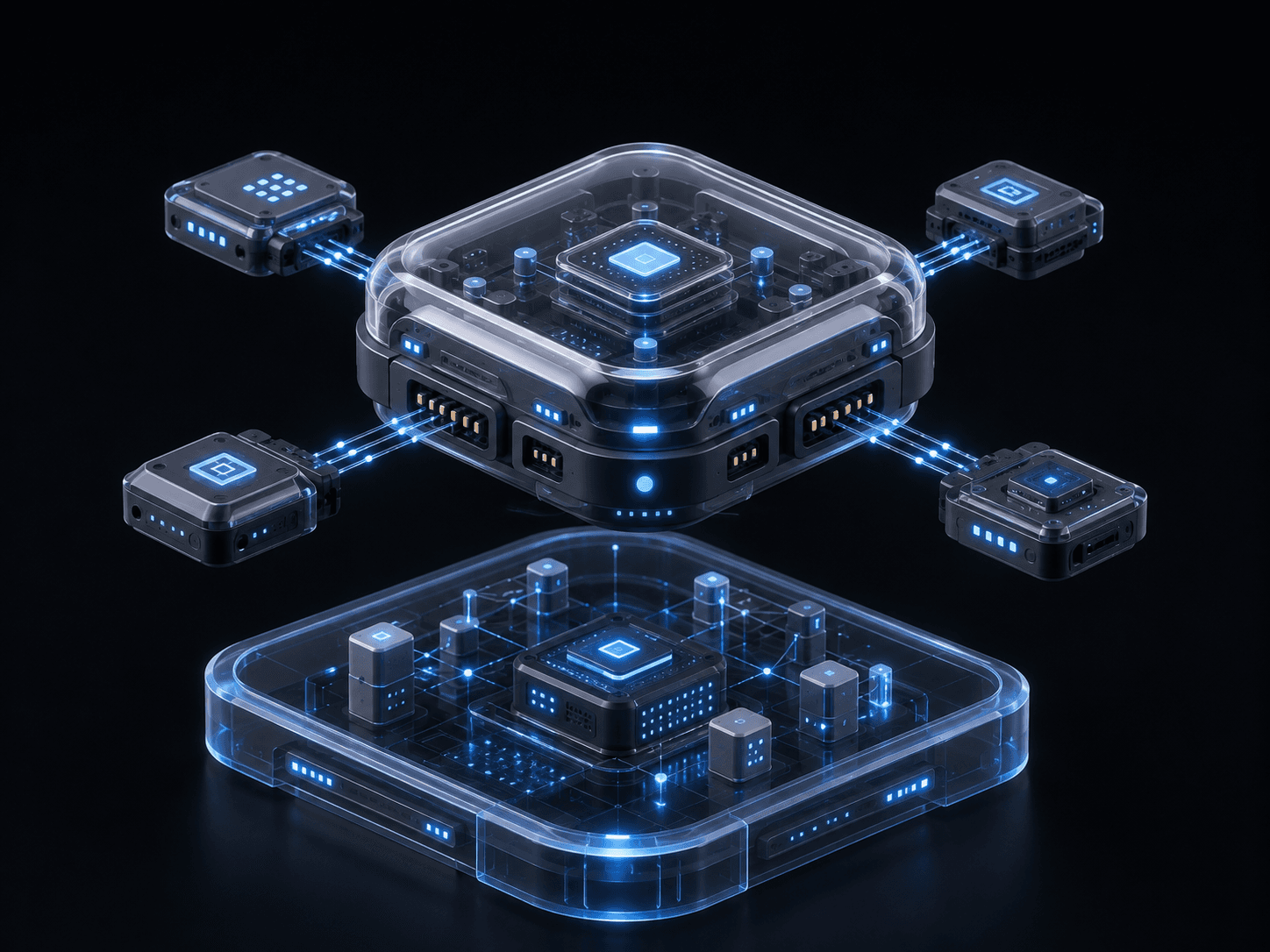
Swappable computational module
The model harness that operates inside a Space and can be changed without changing the environment.
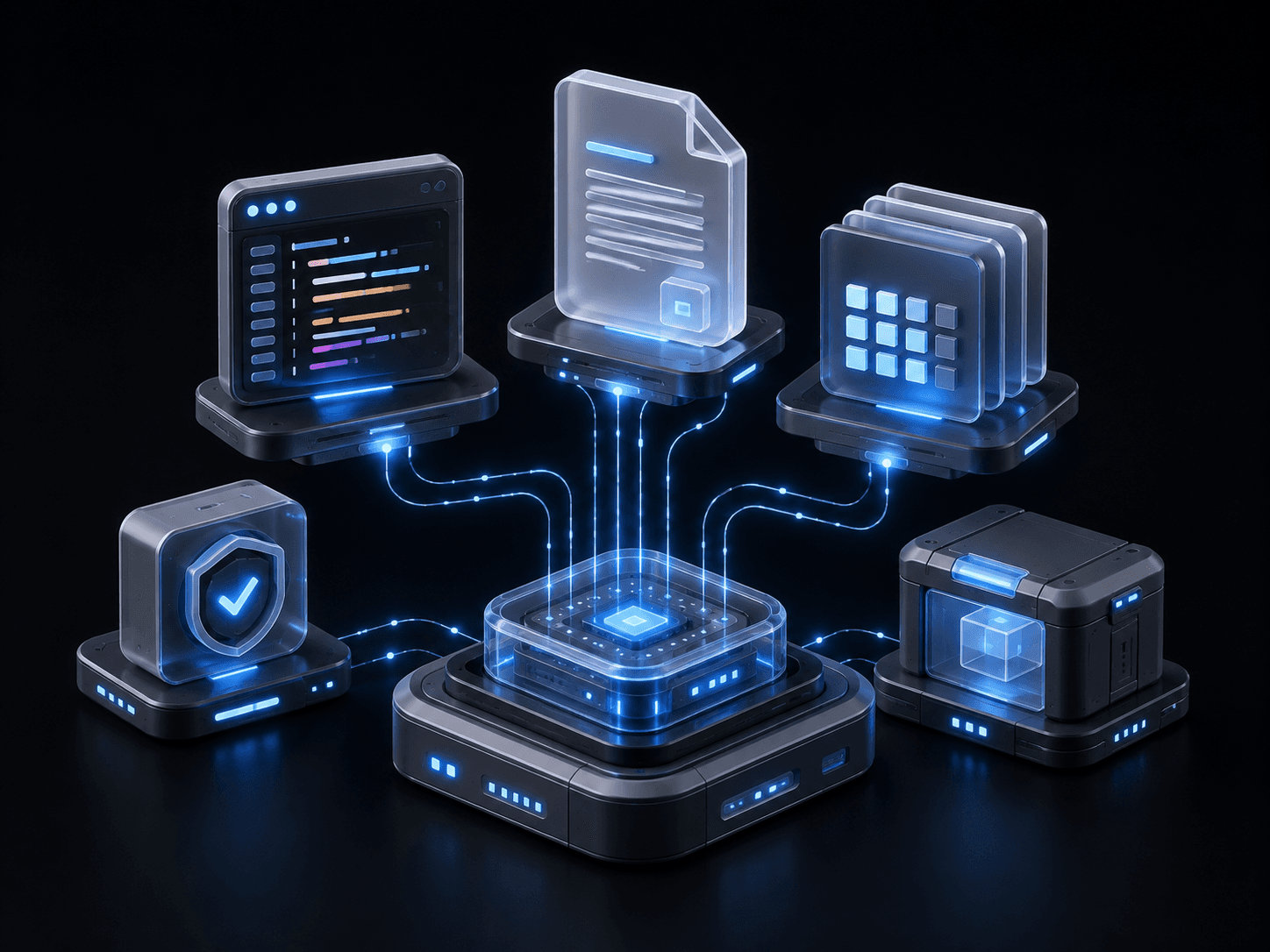
Tangible output artifacts
The delivered outcome: code, documents, decisions, reports, or completed operational tasks.
Precision measurement field
The measurement layer that records verified, owner-valued work instead of only model consumption.
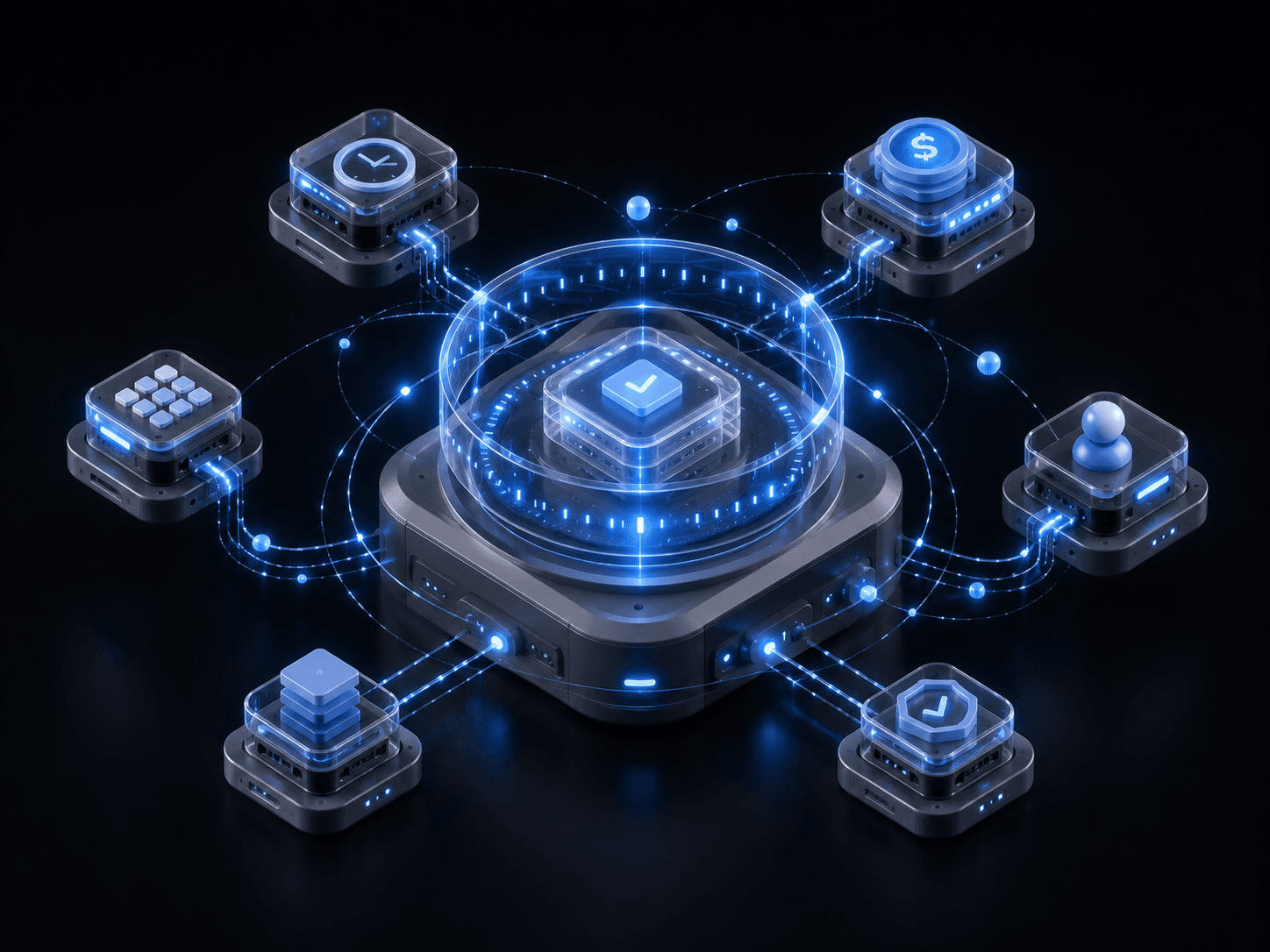
Decoupled Architecture
Because Environment (XO Space) is decoupled from the machine runtime, your project memory, live trace logs, and agent sessions travel anywhere without vendor lock-in.
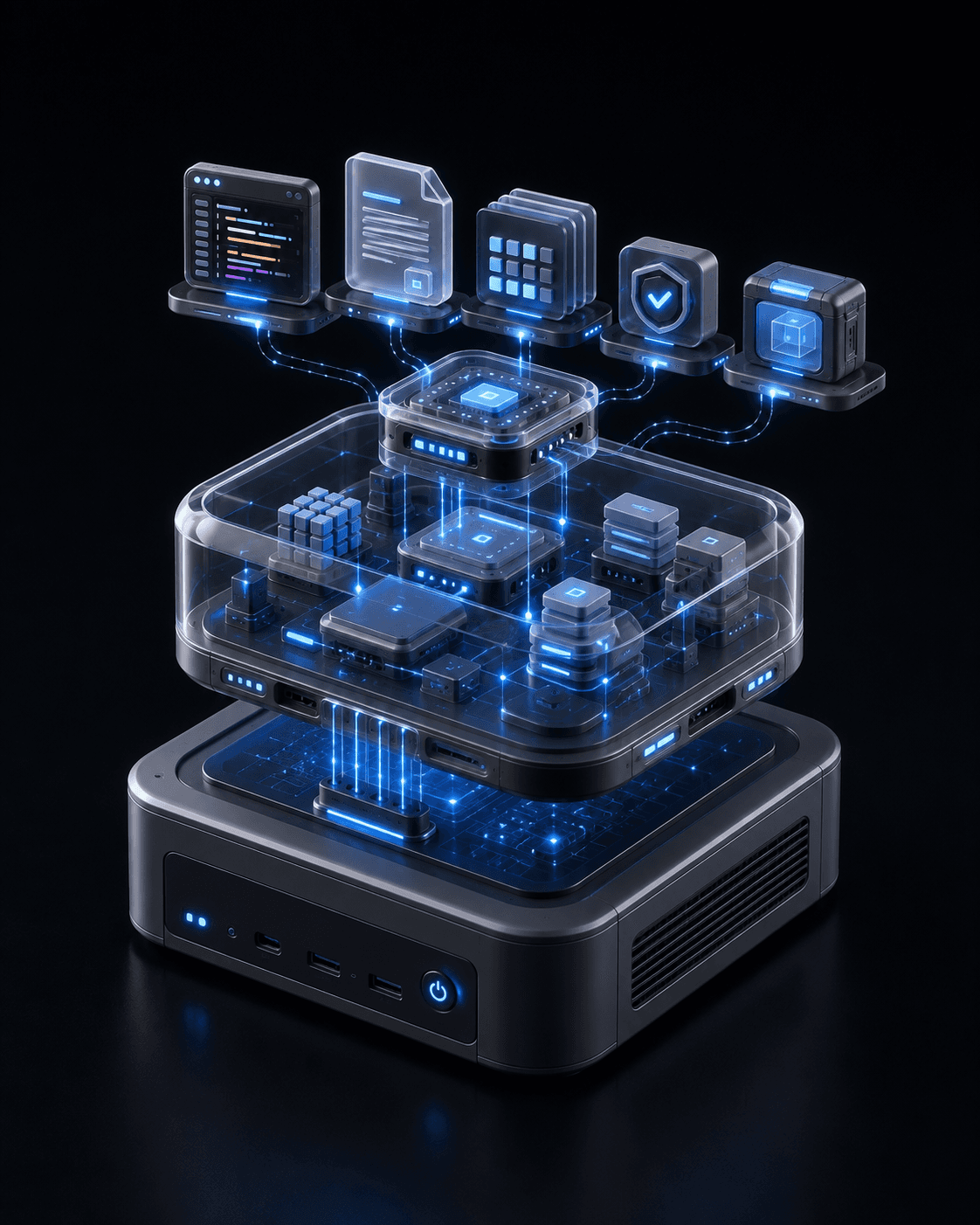
Self-Hosted (Local OSS)
Run Space directly on your machine. Auto-discovers local agent CLIs and stores all trace telemetry in ~/.quirq/.
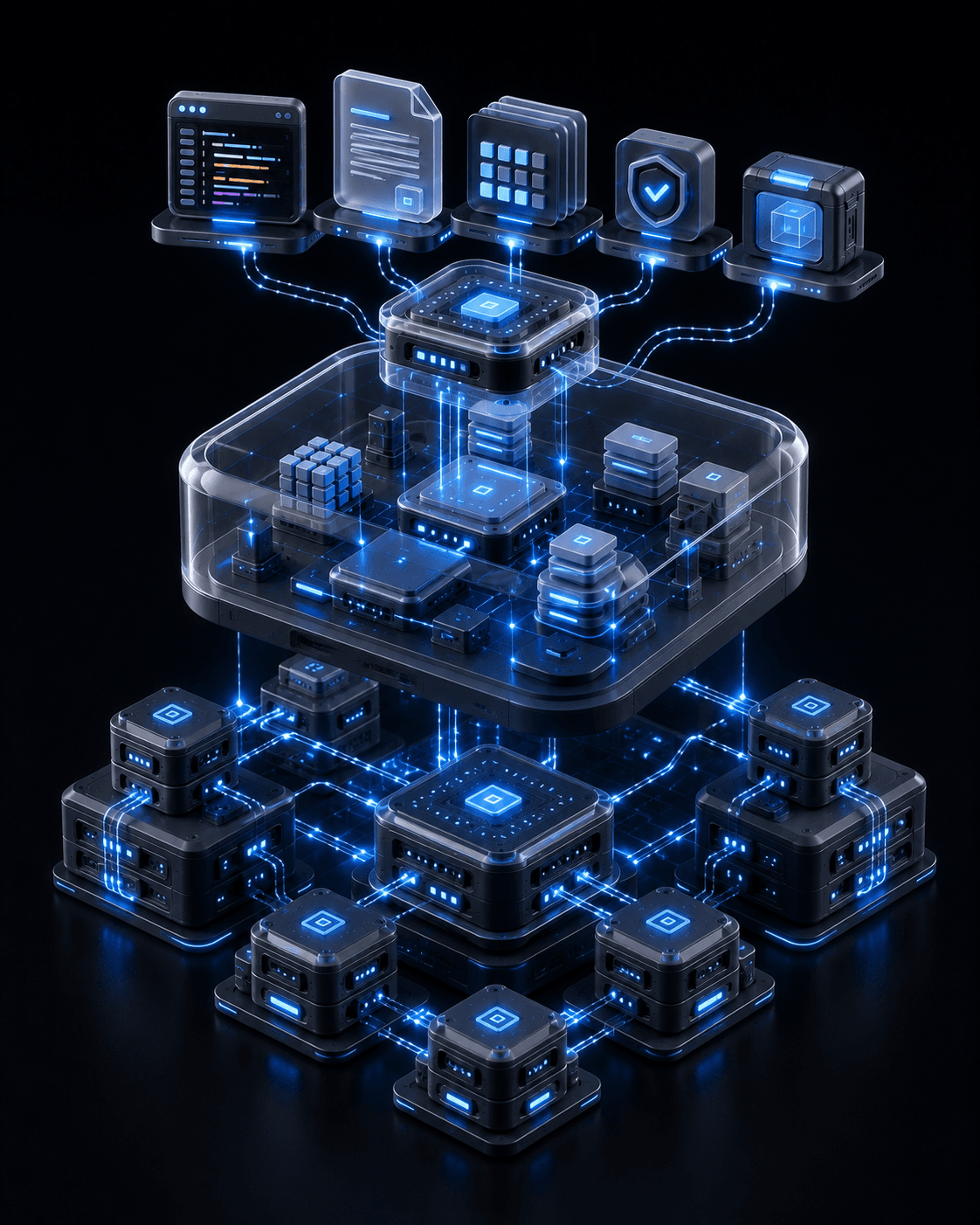
Managed Cloud Sandbox
Run the identical Space engine on isolated Linux VMs with browser VS Code IDE (code-server), team sharing, and persistent endpoints.
Start with XO CloudCore Architecture
AI labs push endless model token consumption. XO provides the decoupled execution plane and output meter to verify real work.
cowork-api control plane that holds memory, session traces, and file watcher events.