
GitHub
Connect GitHub so your agent can read repositories, issues, and pull requests.
Connect a GitHub account to your XO project so your agent can read repositories, issues, and pull requests. GitHub uses a device code flow — no callback URL needed.
What You'll Need
- An XO project that has finished provisioning
- A GitHub account with access to the repositories you want your agent to read
Connect GitHub
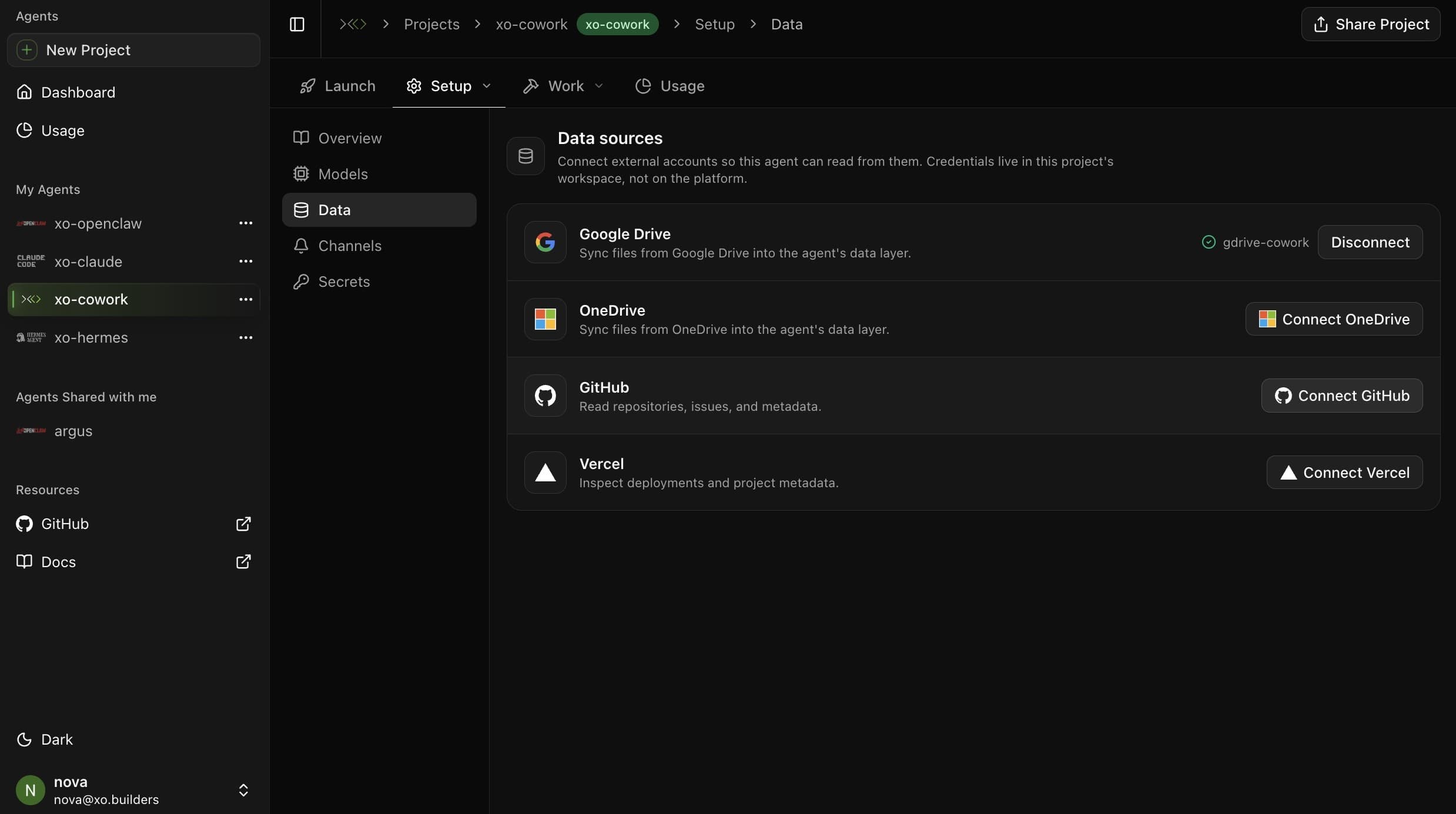
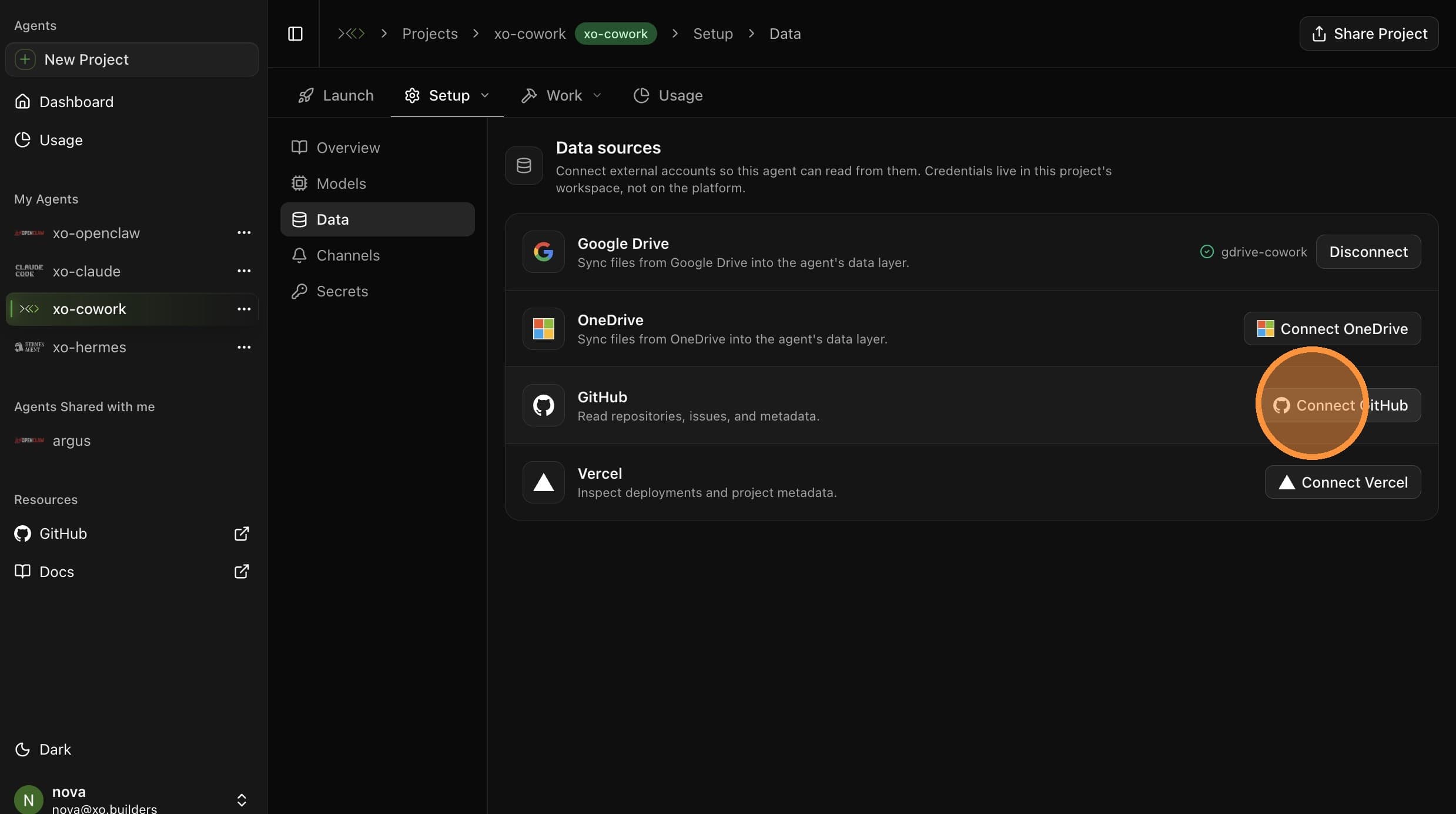
Select an Authentication Method
Pick how you want to authenticate:
- Device code (used in this guide) — XO generates a one-time code that you paste into GitHub. No long-lived secret stored, simplest flow.
- Personal Access Token (PAT) — paste a token you create from your GitHub developer settings. Use this if you want fine-grained scopes or if your org disallows OAuth device flows.
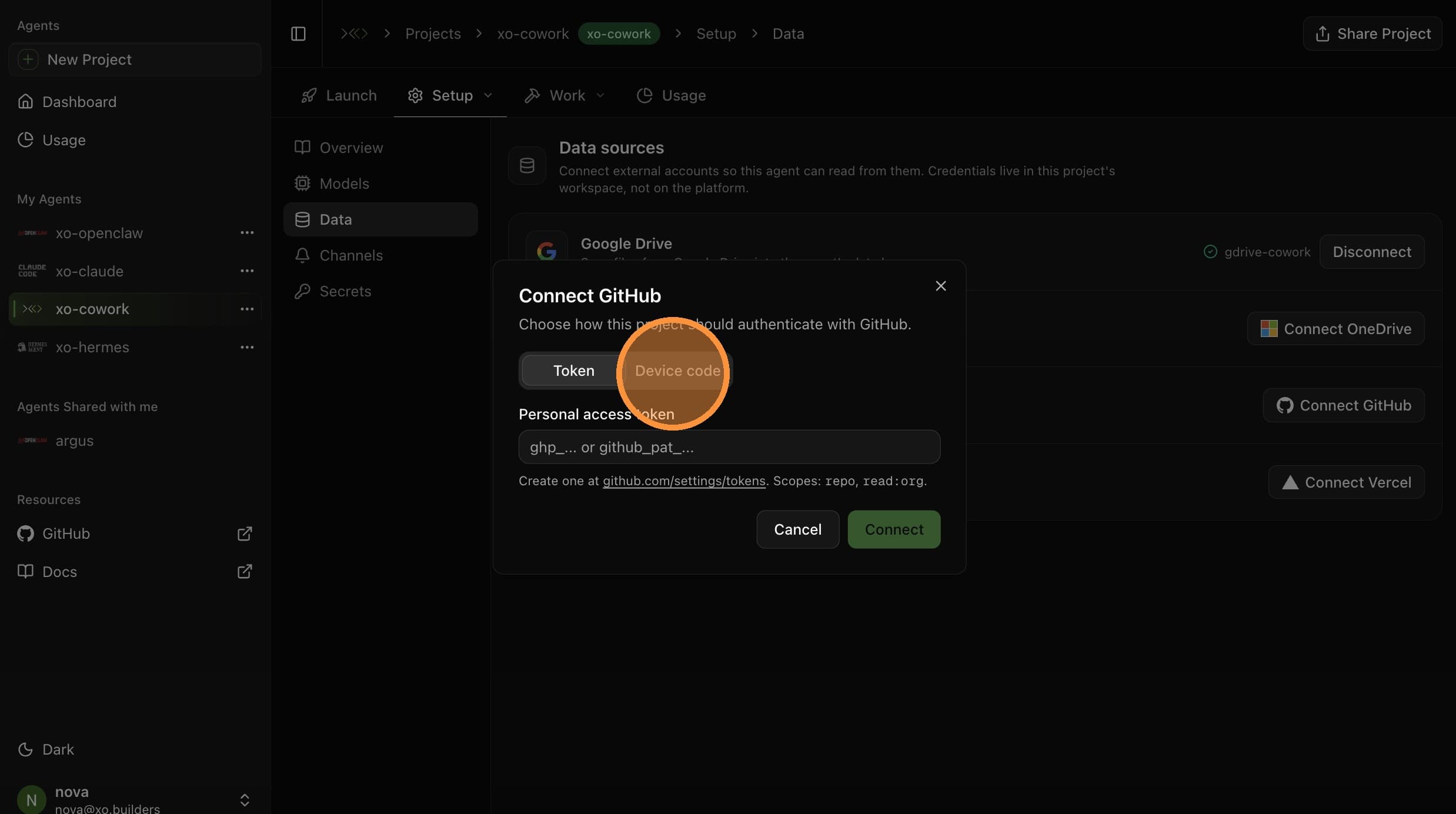
The remaining steps follow the Device code flow. If you picked PAT, paste the token, click Continue, and skip to the Connection Confirmed step.
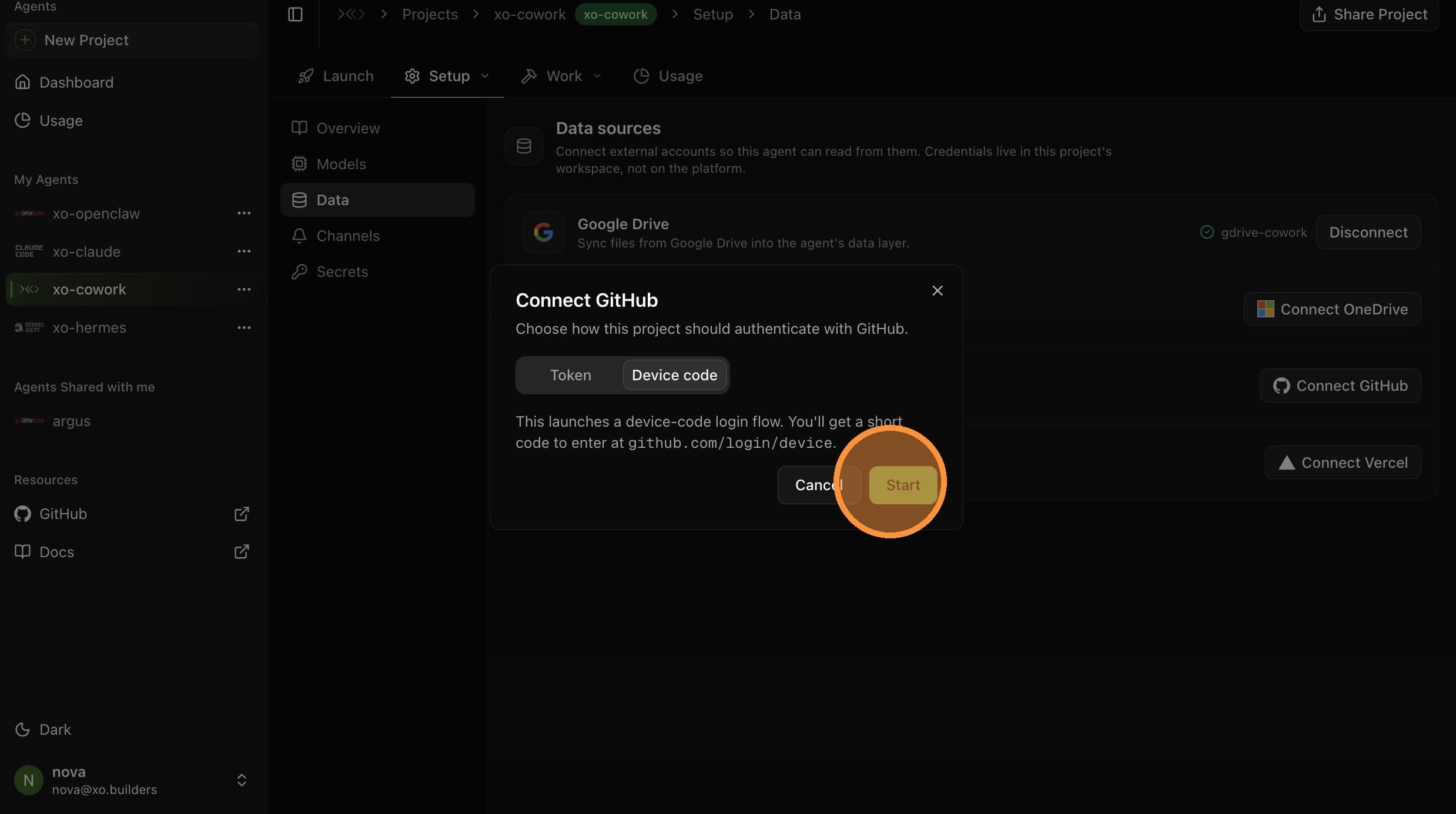
Copy the Code

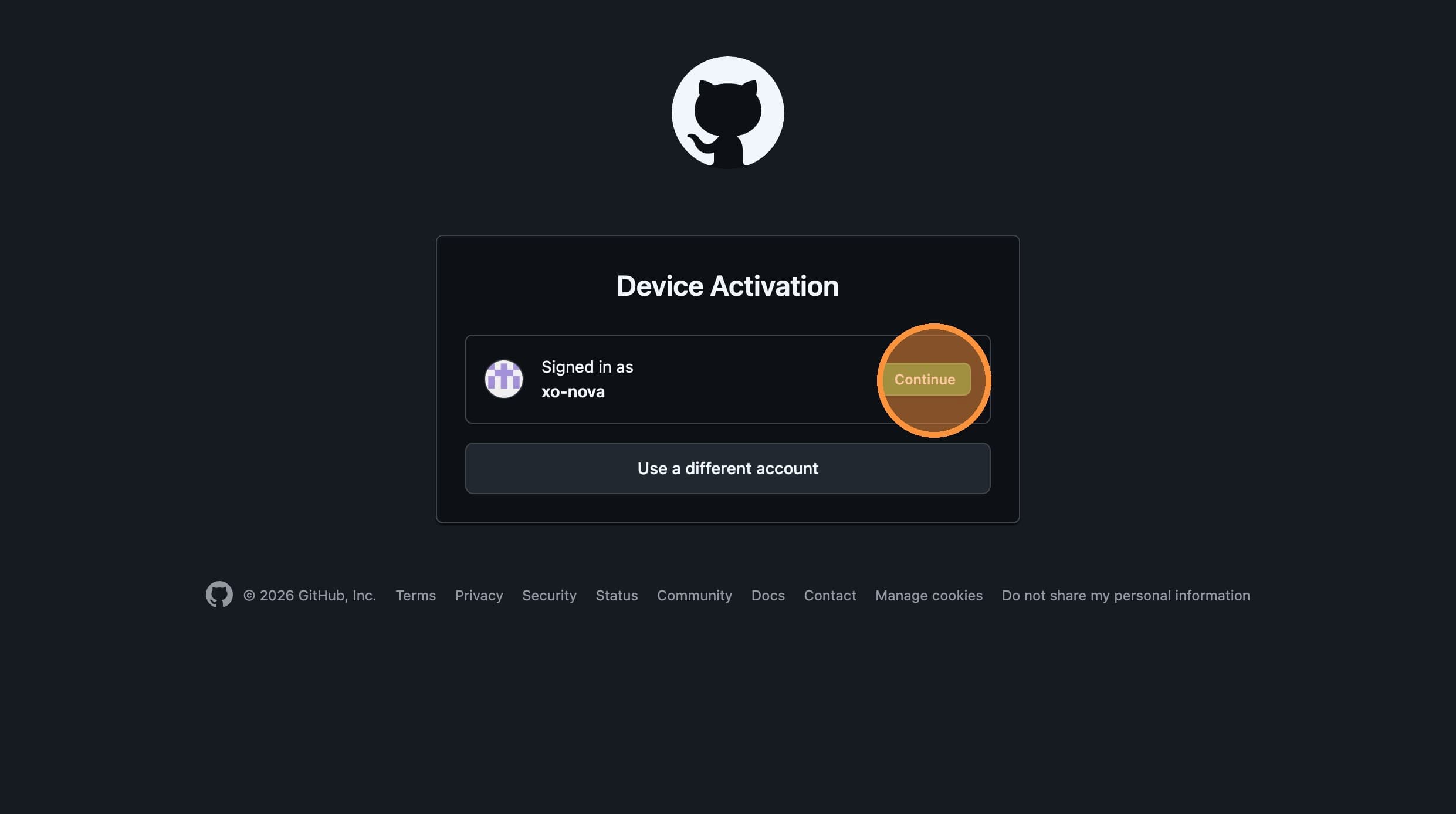
Copy the activation code, then click the link to open the GitHub activation page in a new tab.
Paste and Authorize

Paste the activation code into the field and click Continue.
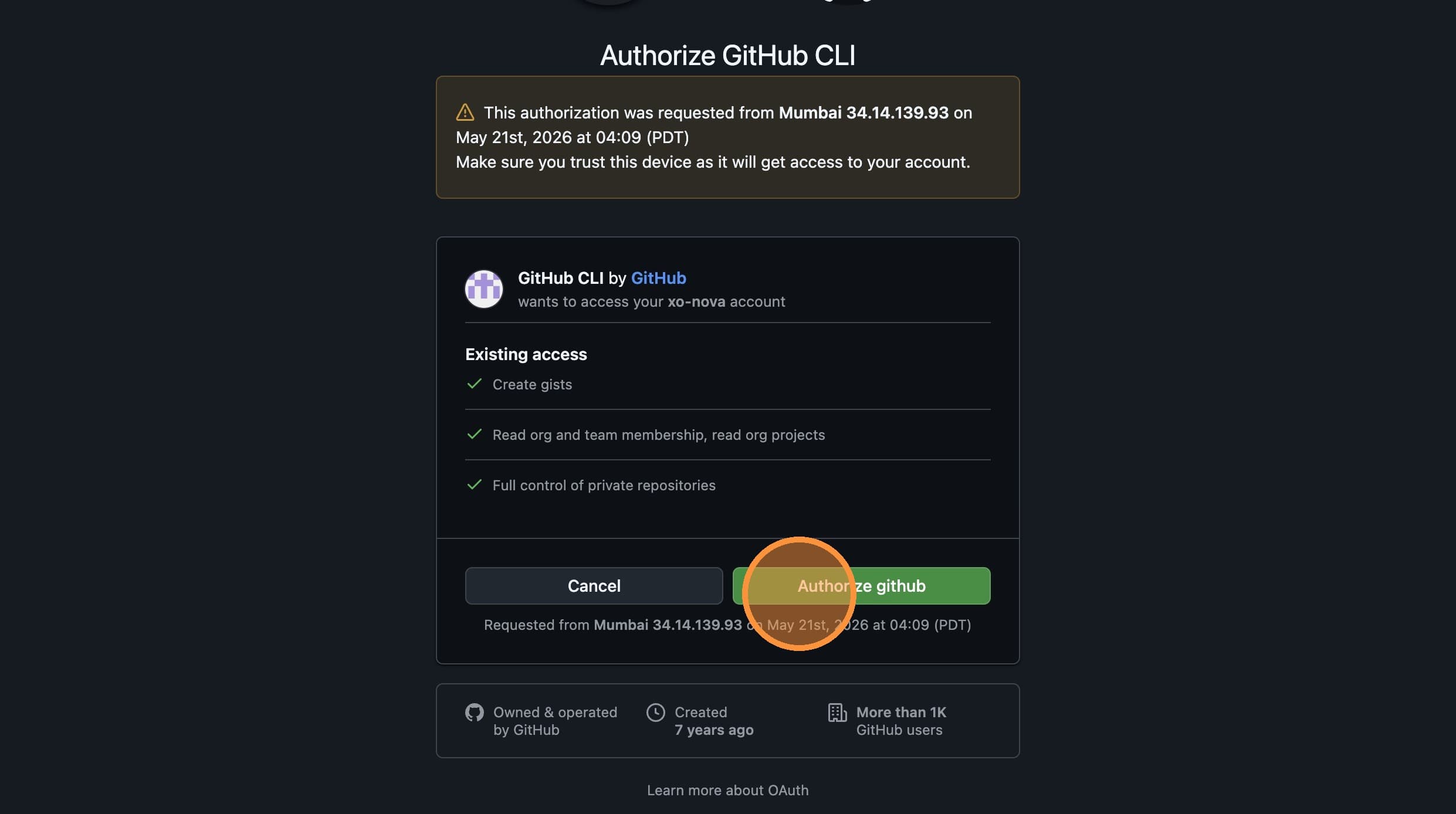
Then click Authorize github to grant XO access.
Connection Confirmed
GitHub is now connected. You'll see a confirmation in the activation tab and the new remote in your project's Data list.
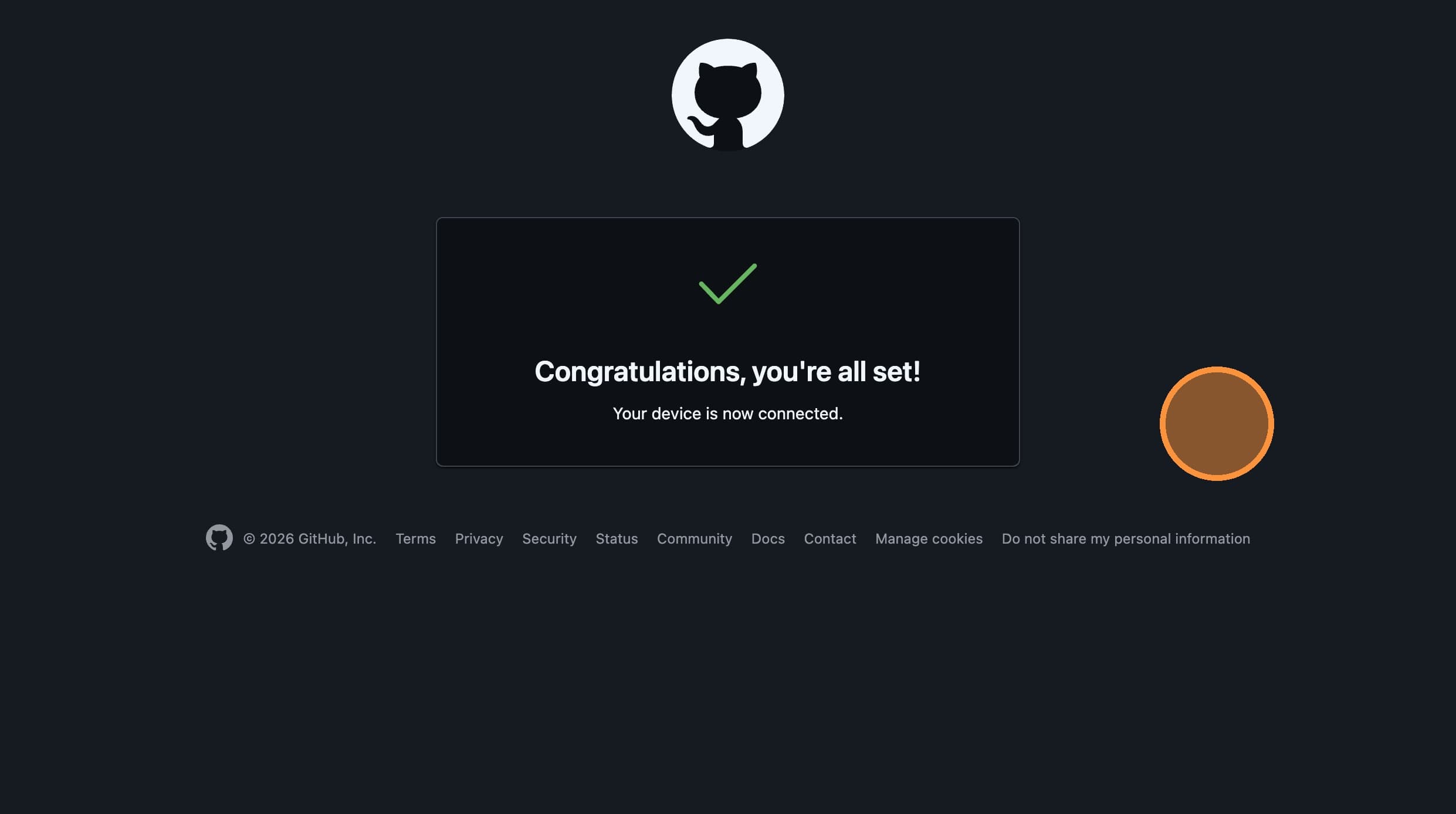
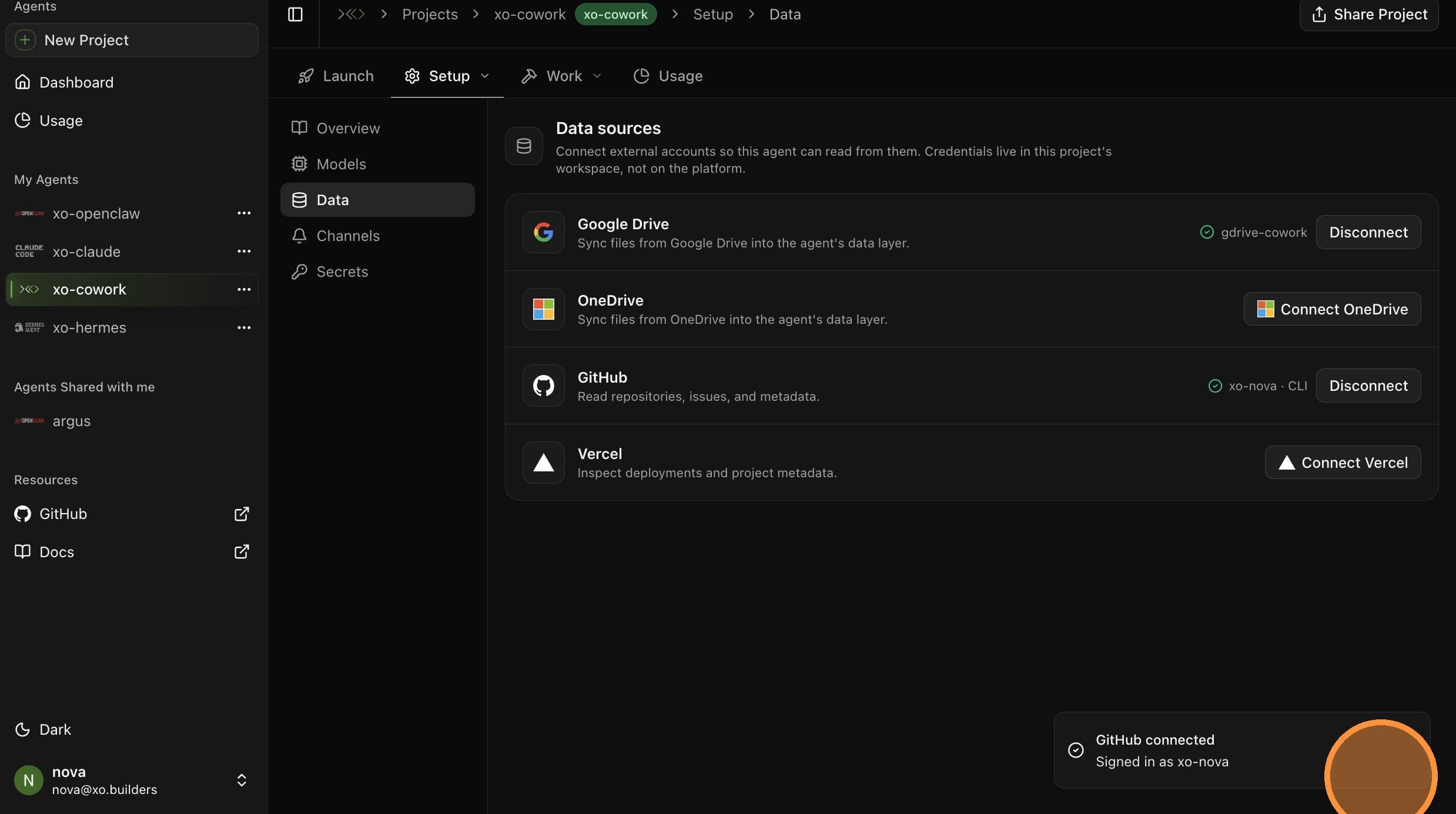
Your GitHub account is now connected. Your agent can read from it on subsequent runs.