
Getting Started
Create an Account
Register on XO, pick your username, and select a plan in under 2 minutes.
What You'll Need
- A valid email address
- A GitHub, Google, or GitLab account for authentication
Sign Up
Open the Sign-Up Page
Go to beta.xo.builders/sign-up. You'll see the registration screen with sign-in options.
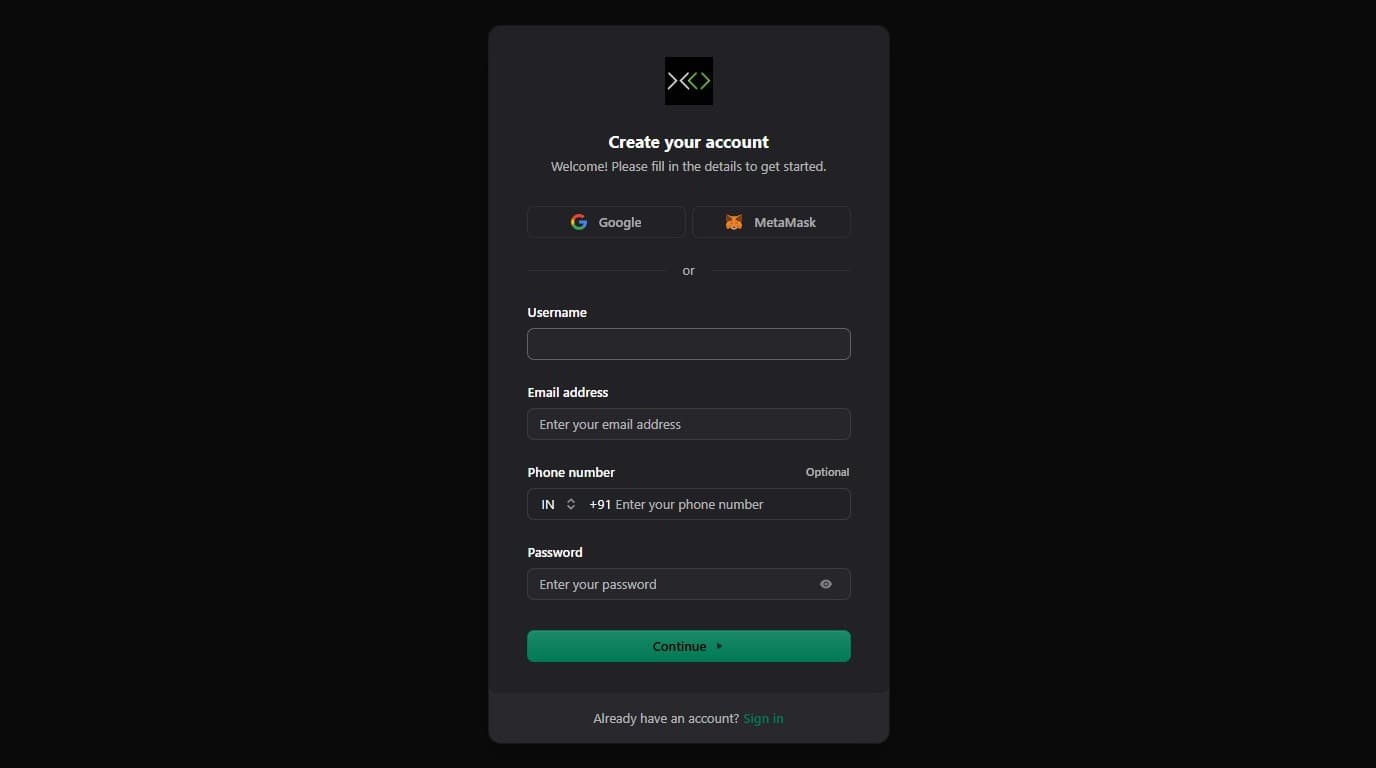
Enter Your Username
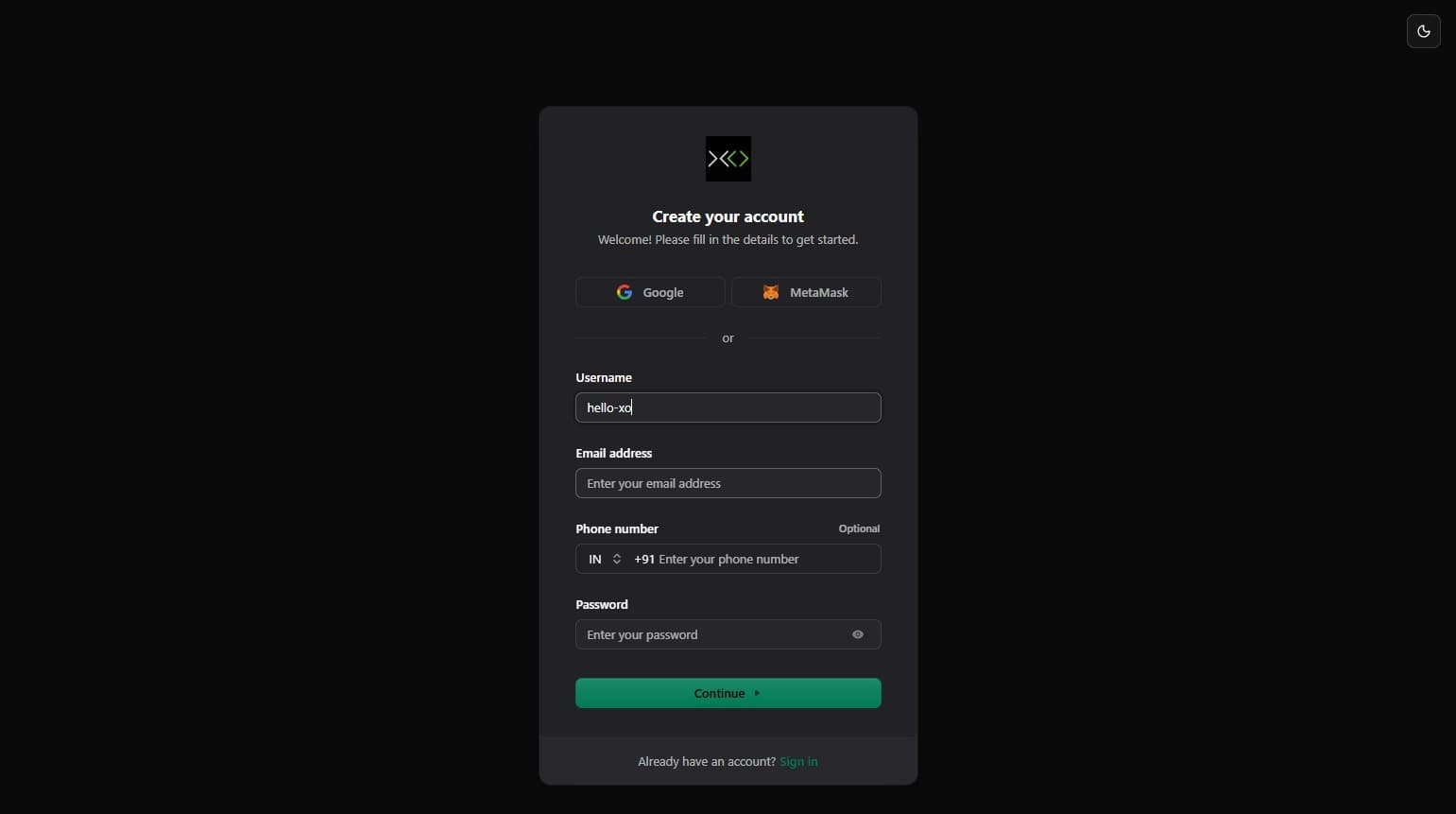
Click the Username field and type your desired username.
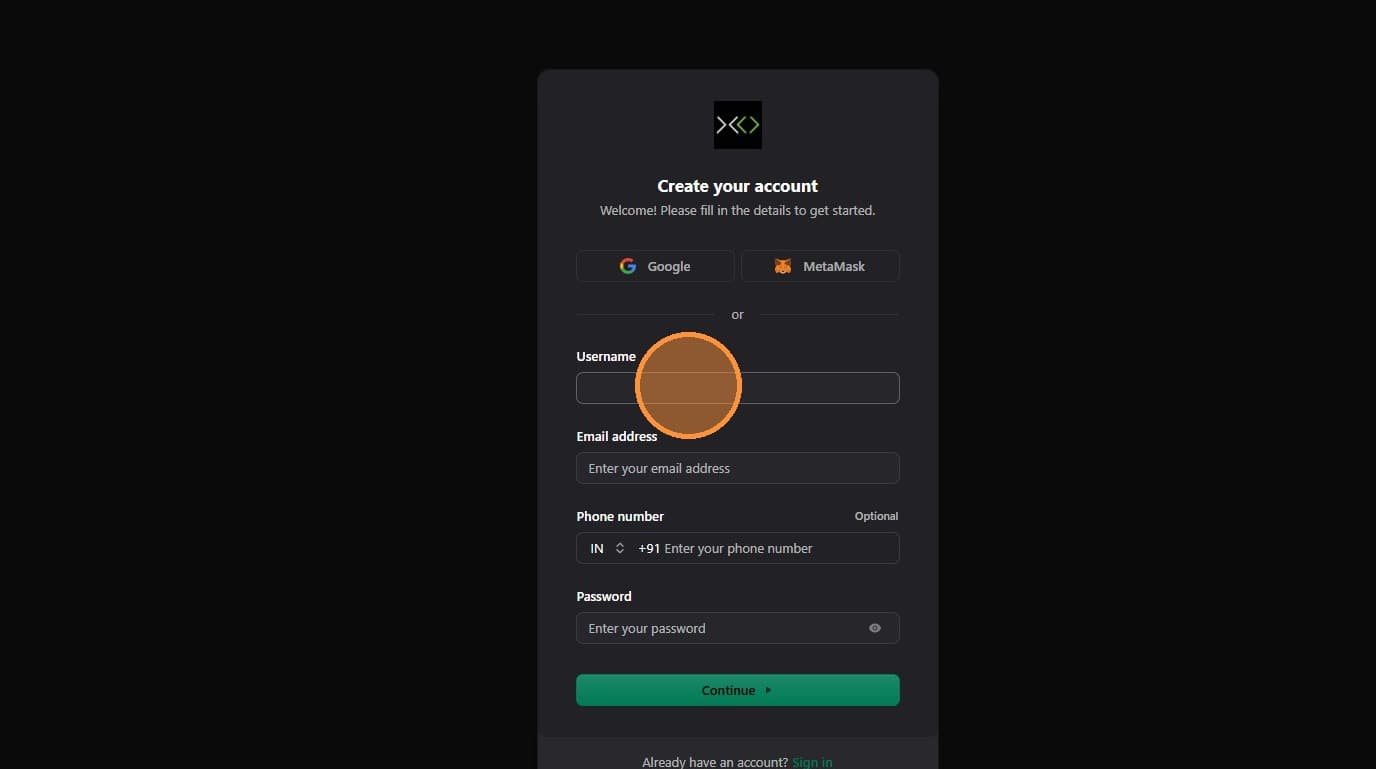
Usernames can only contain letters, numbers, hyphens (-), and underscores (_). No spaces or special characters.
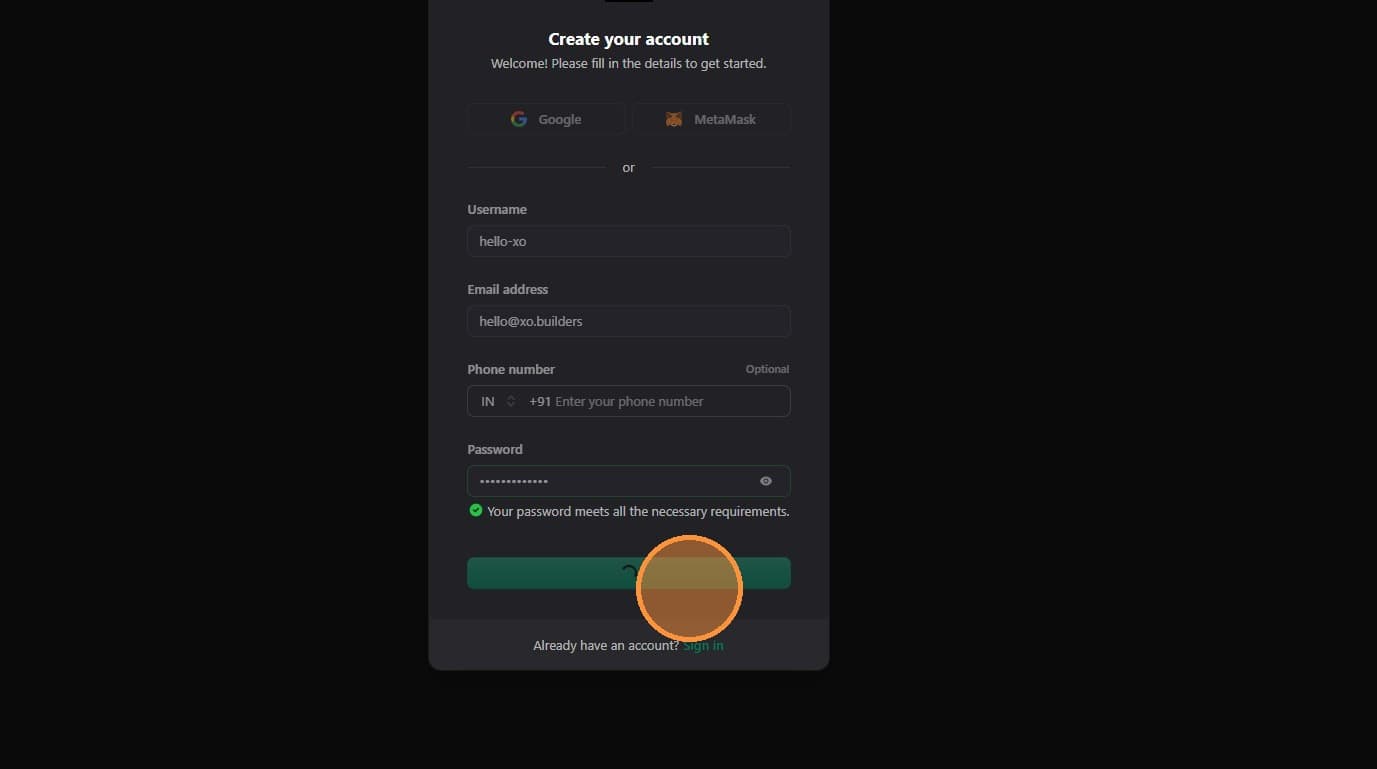
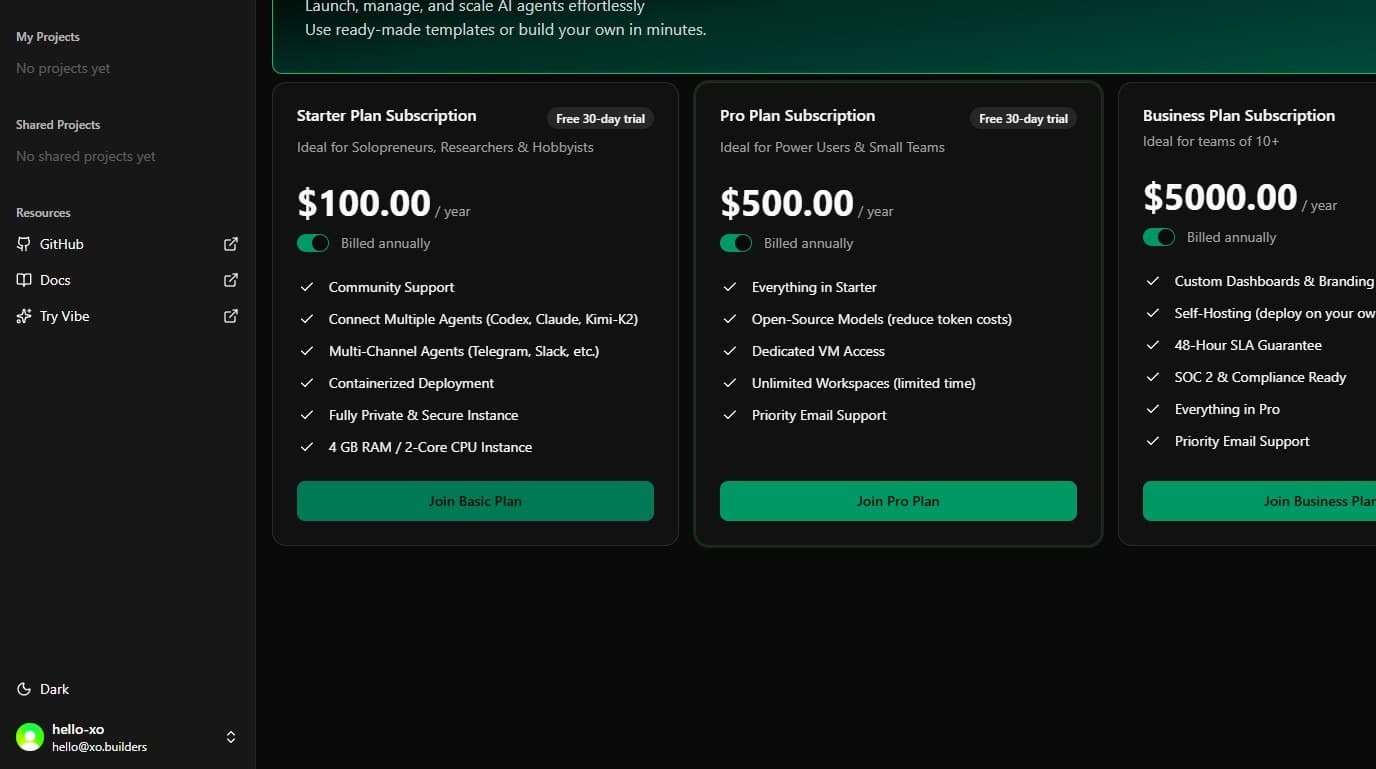
Pick Your Plan
Select the plan that fits your needs. The Basic plan is free and gets you started immediately.
What's Next?
Your account is ready. Head to the dashboard to create your first workspace, or follow the Manage Your Machine guide to configure your environment.