
Connect Claude
Authenticate XO agents with a Claude account via OAuth.
Connect your Claude account to an XO agent via OAuth — no API key required. This flow is shared across any agent that exposes a Connect Claude button (Claude Code, future agents).
What You'll Need
- An XO project that has finished provisioning
- A Claude account (Pro, Team, or Enterprise — any plan that grants Claude API access)
Connect Your Claude Account
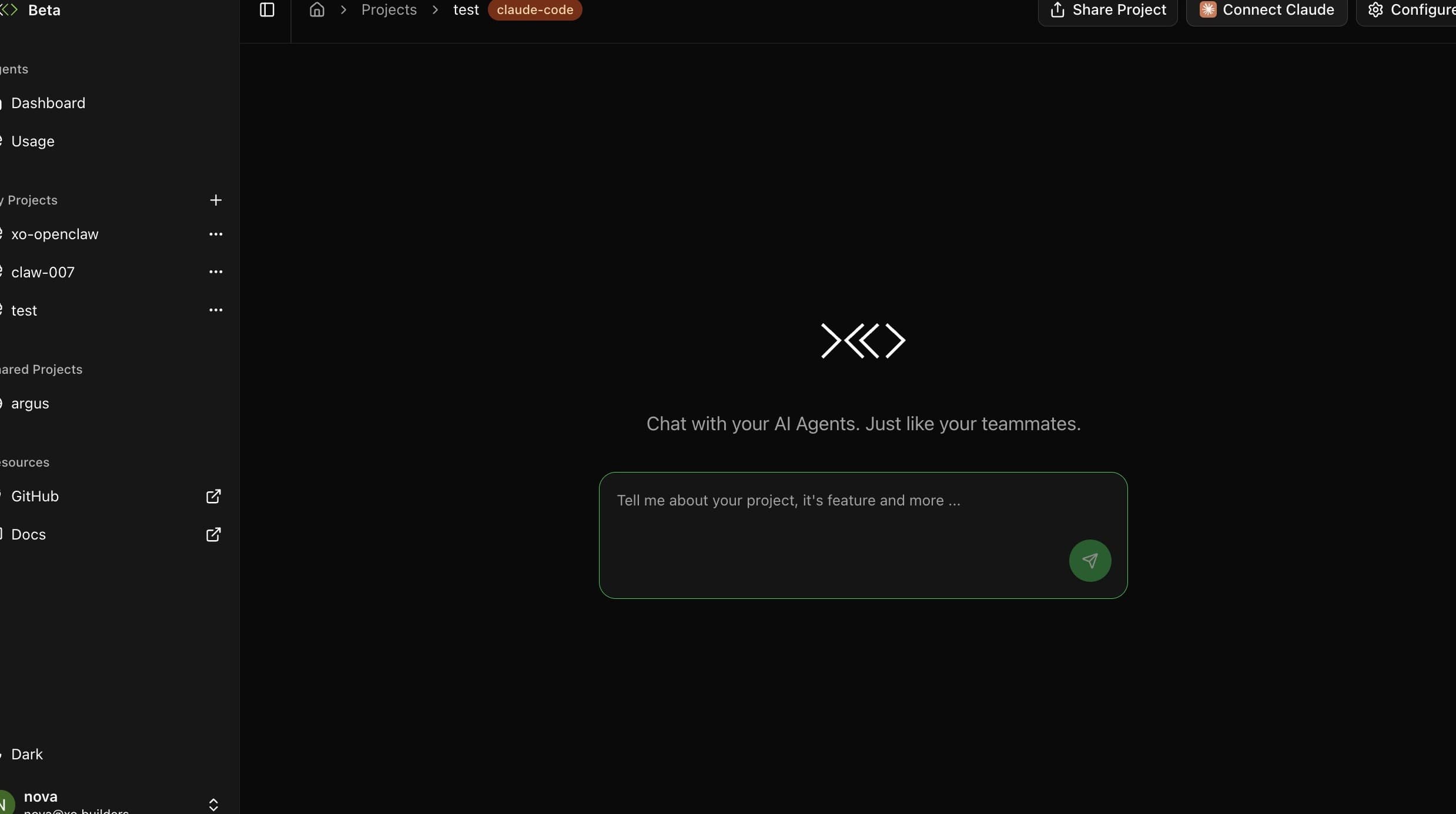
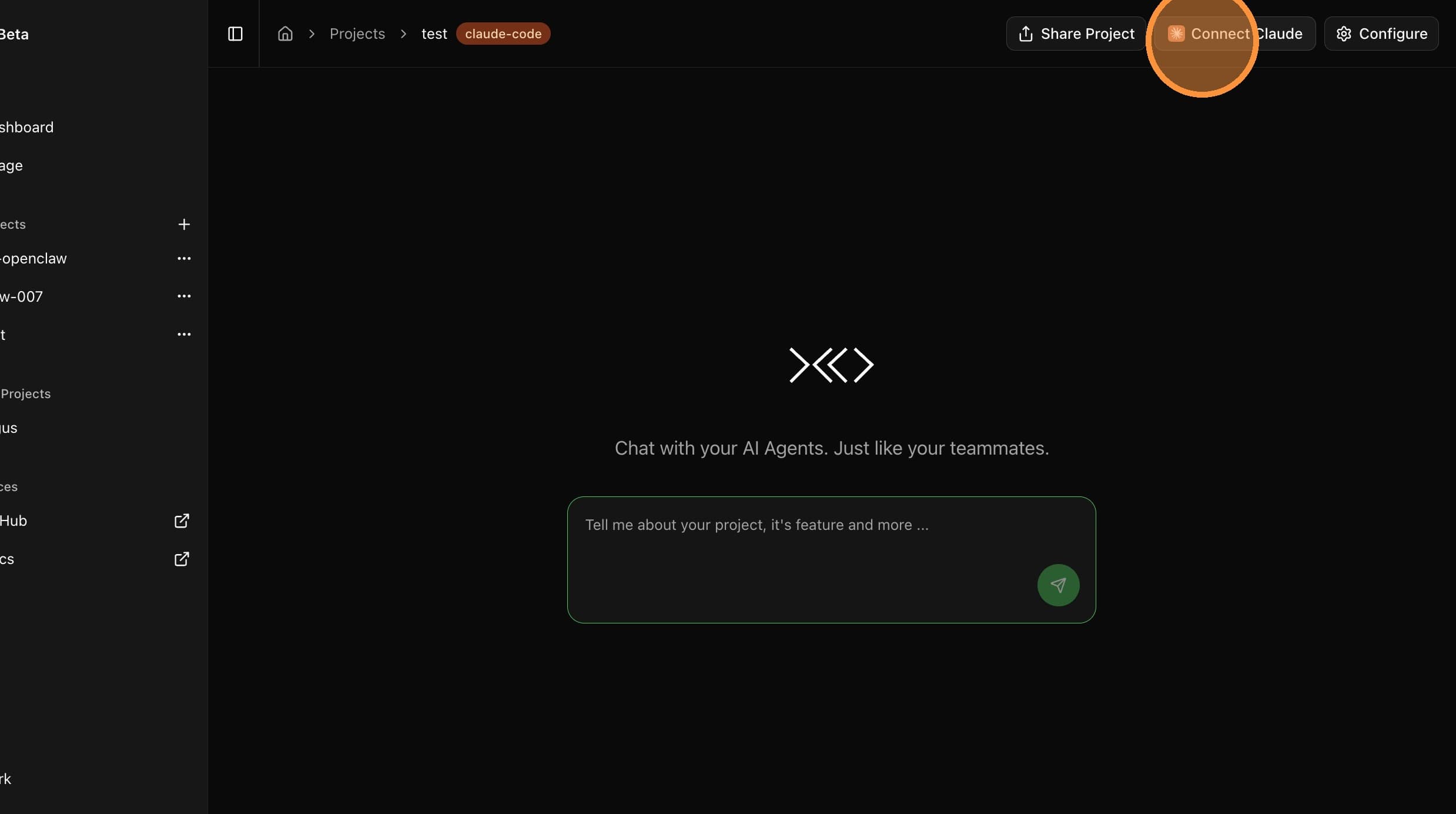
Open the Authorization URL

In the Connect Claude modal, click Open Authorization URL. A new browser tab opens with the Claude sign-in.
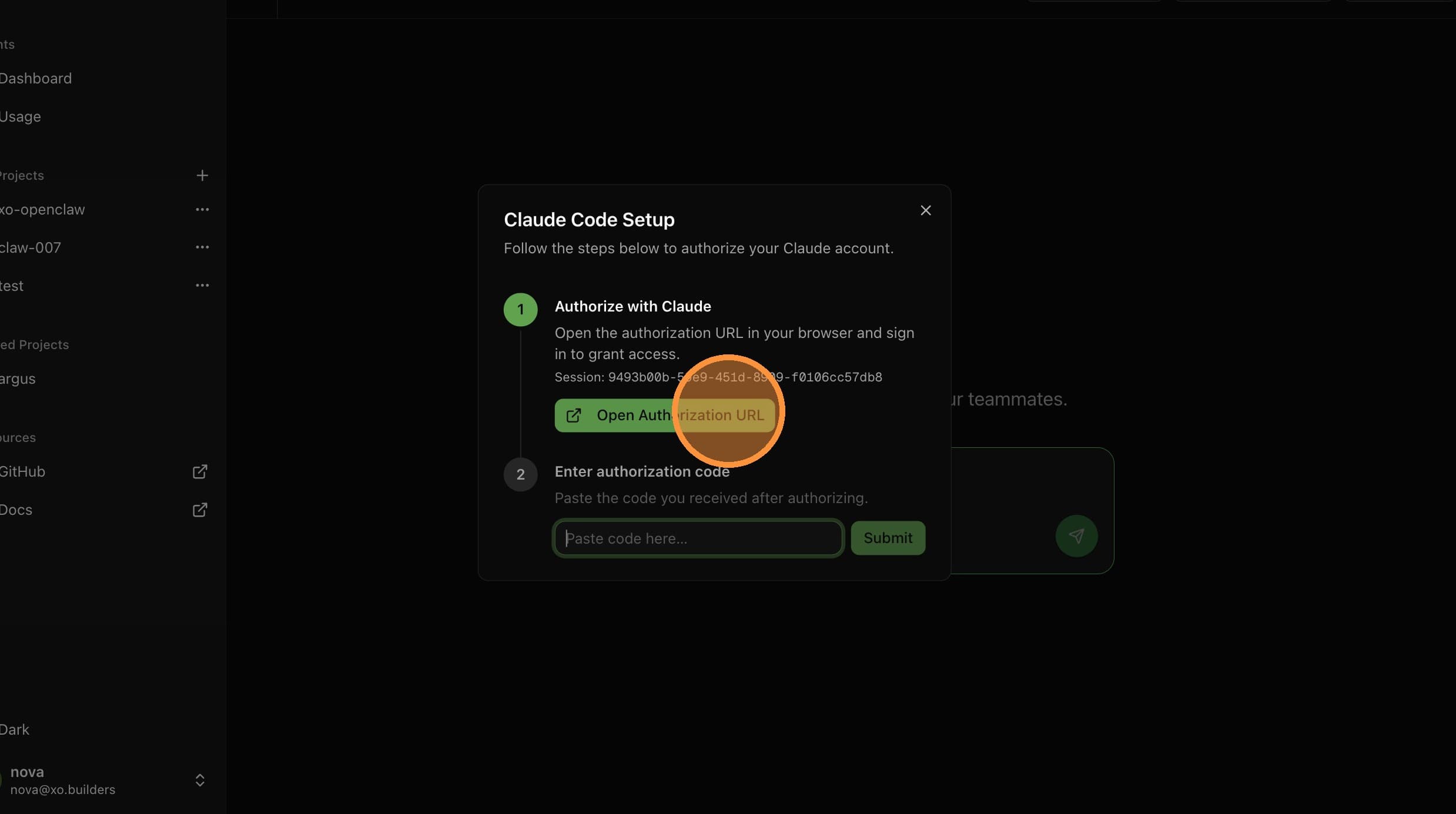
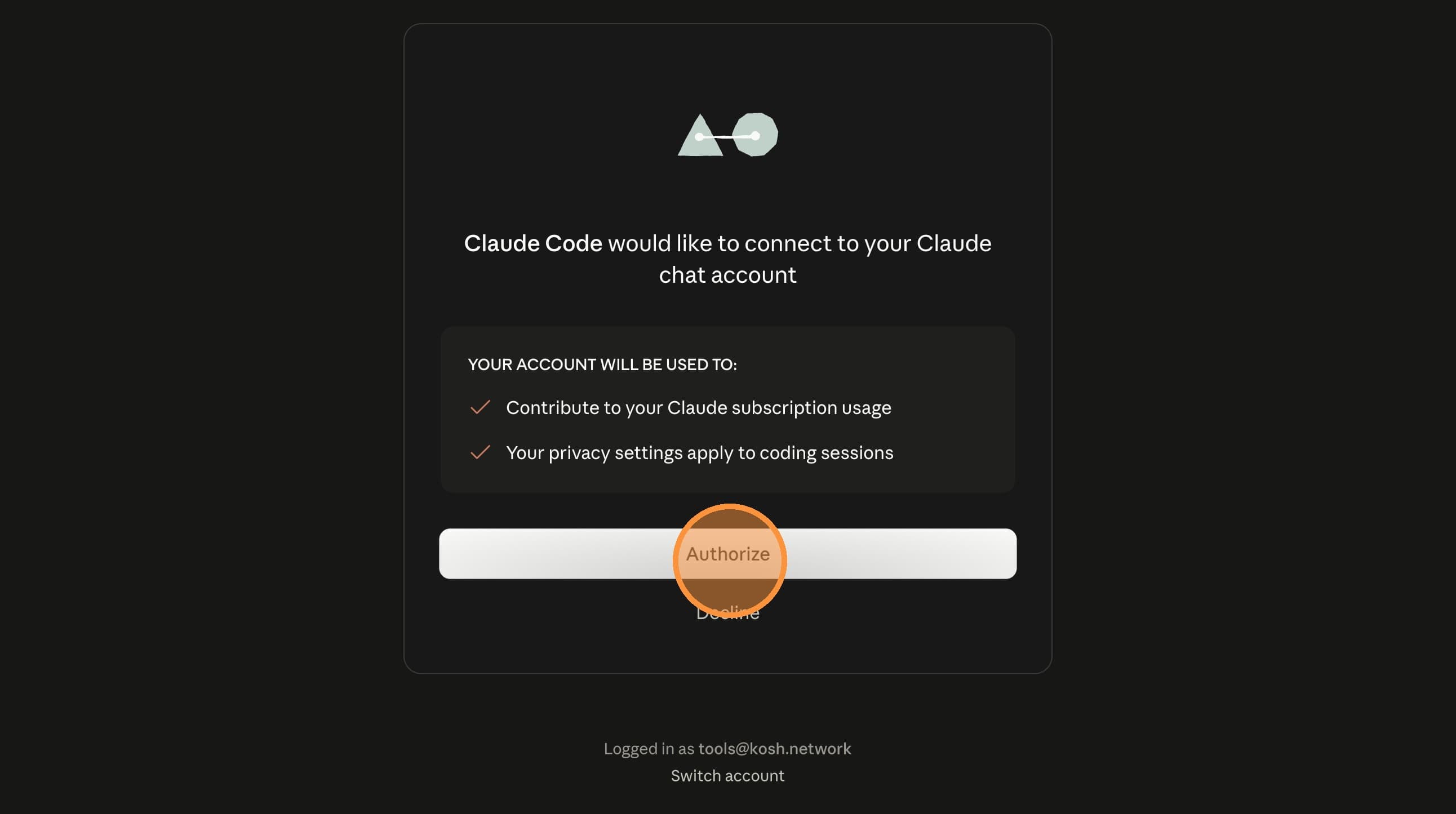
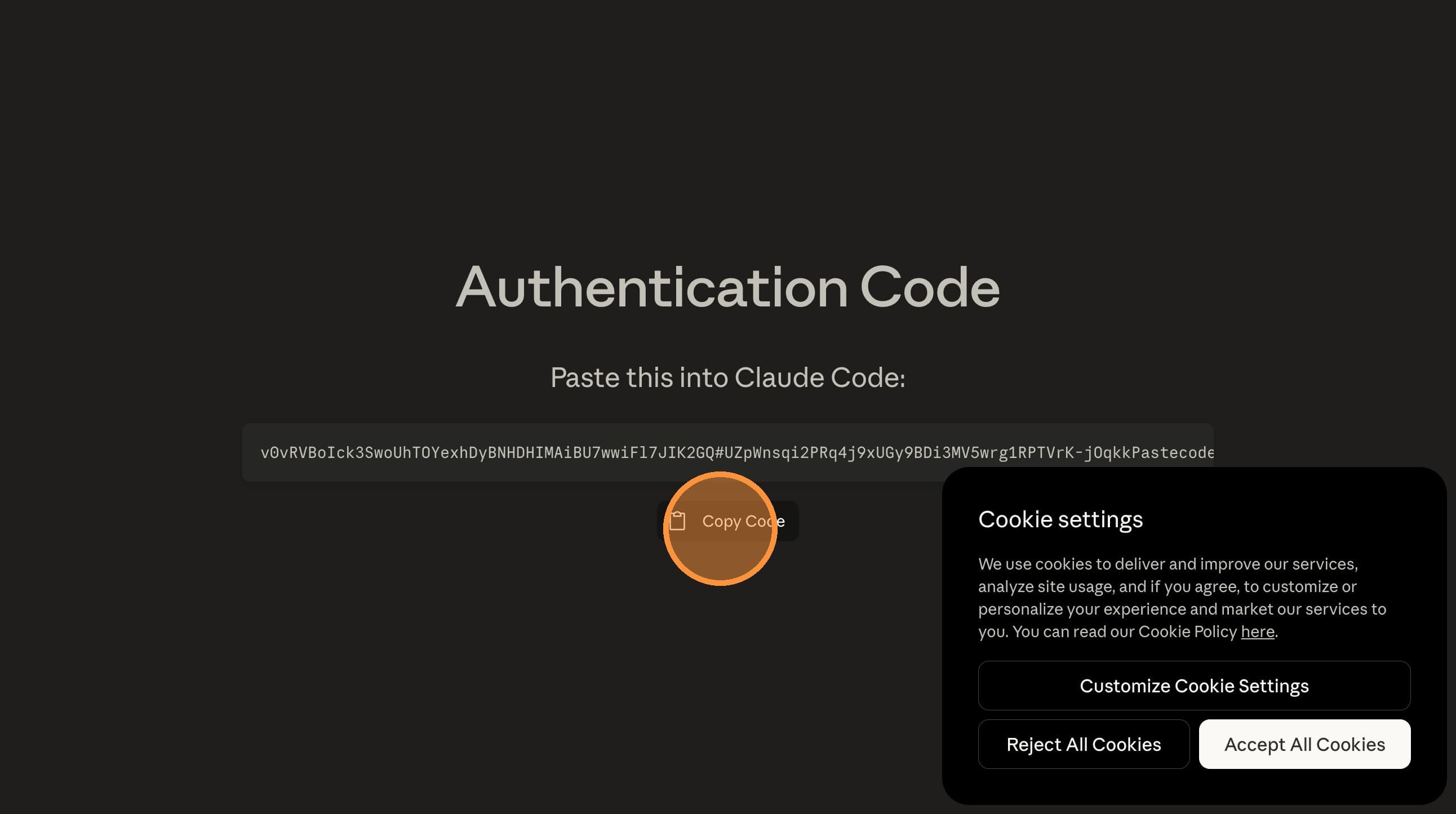
Paste and Submit
Switch back to the XO tab. Paste the code into the Paste code here... field and click Submit.
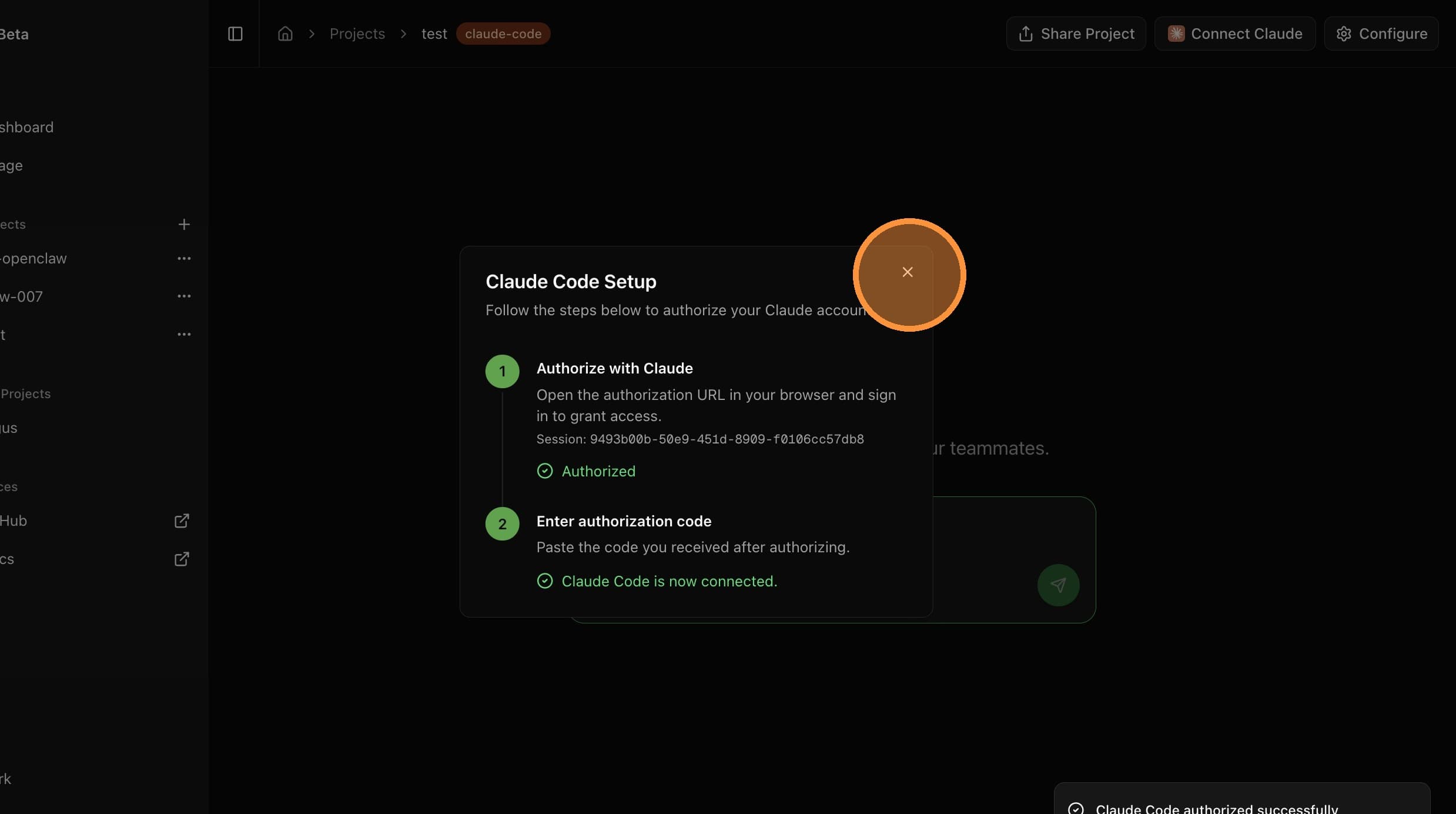
Your Claude account is now connected. Your agent will use it for all model calls.