Restart the Gateway
Restart the OpenClaw gateway using the dashboard button or the terminal.
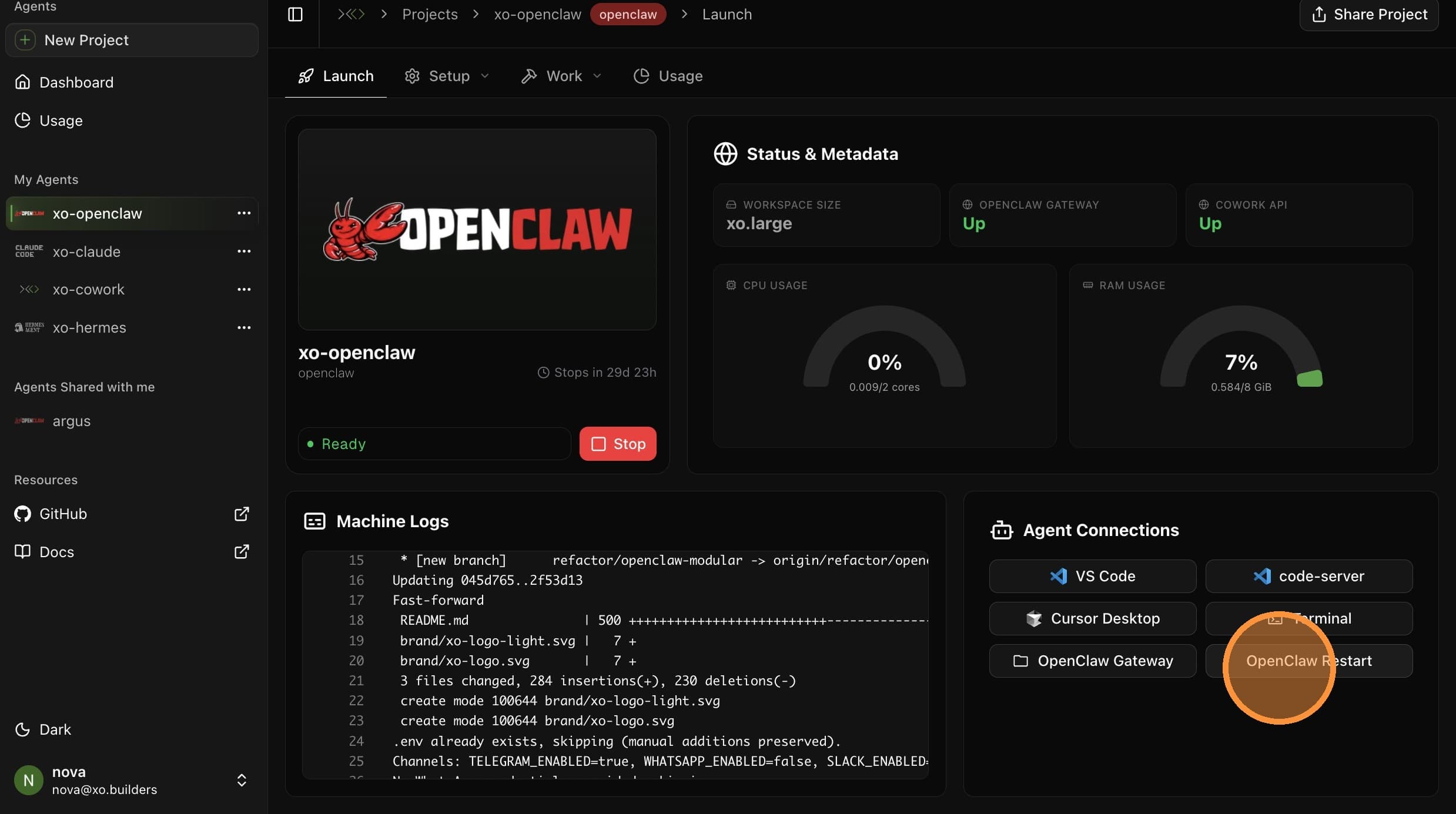
Two ways to restart your OpenClaw gateway — the dashboard button (fastest) or the terminal command (gives you logs).
Restart from Dashboard
- Open your project on beta.xo.builders and select your agent from the sidebar.
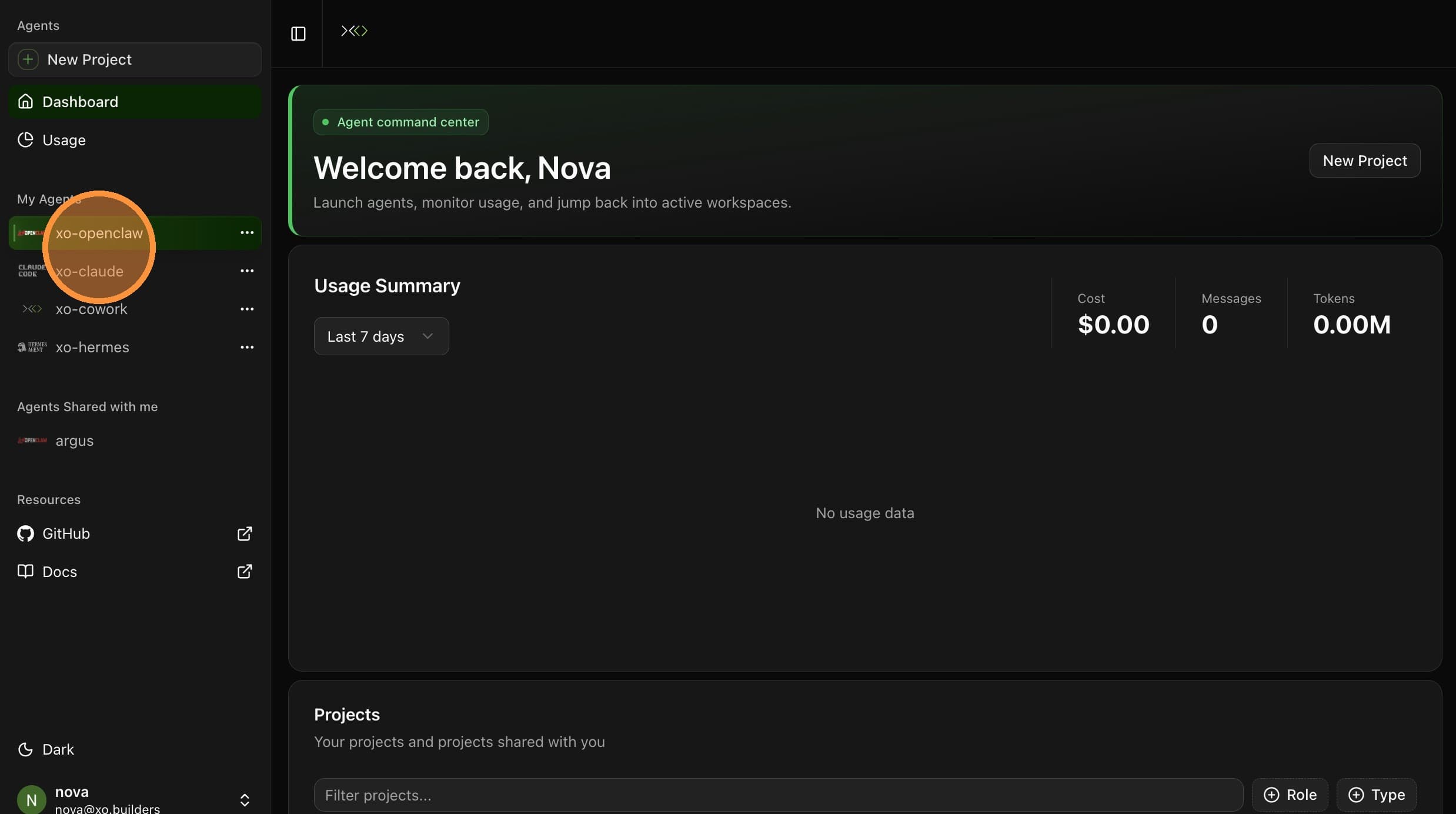
- Open the Launch tab.
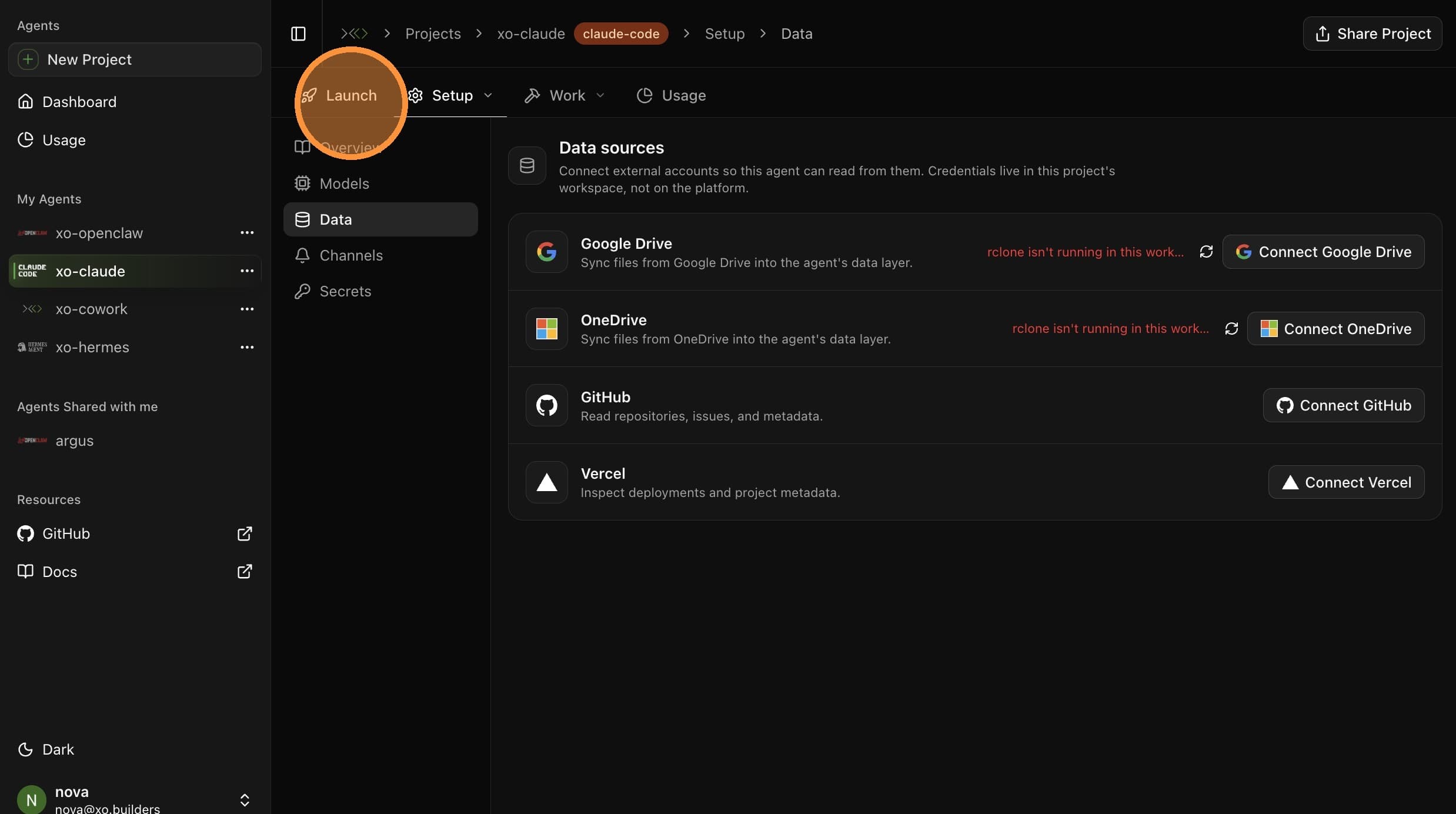
- Click OpenClaw Restart.
- Wait for the OpenClaw gateway restarted confirmation.
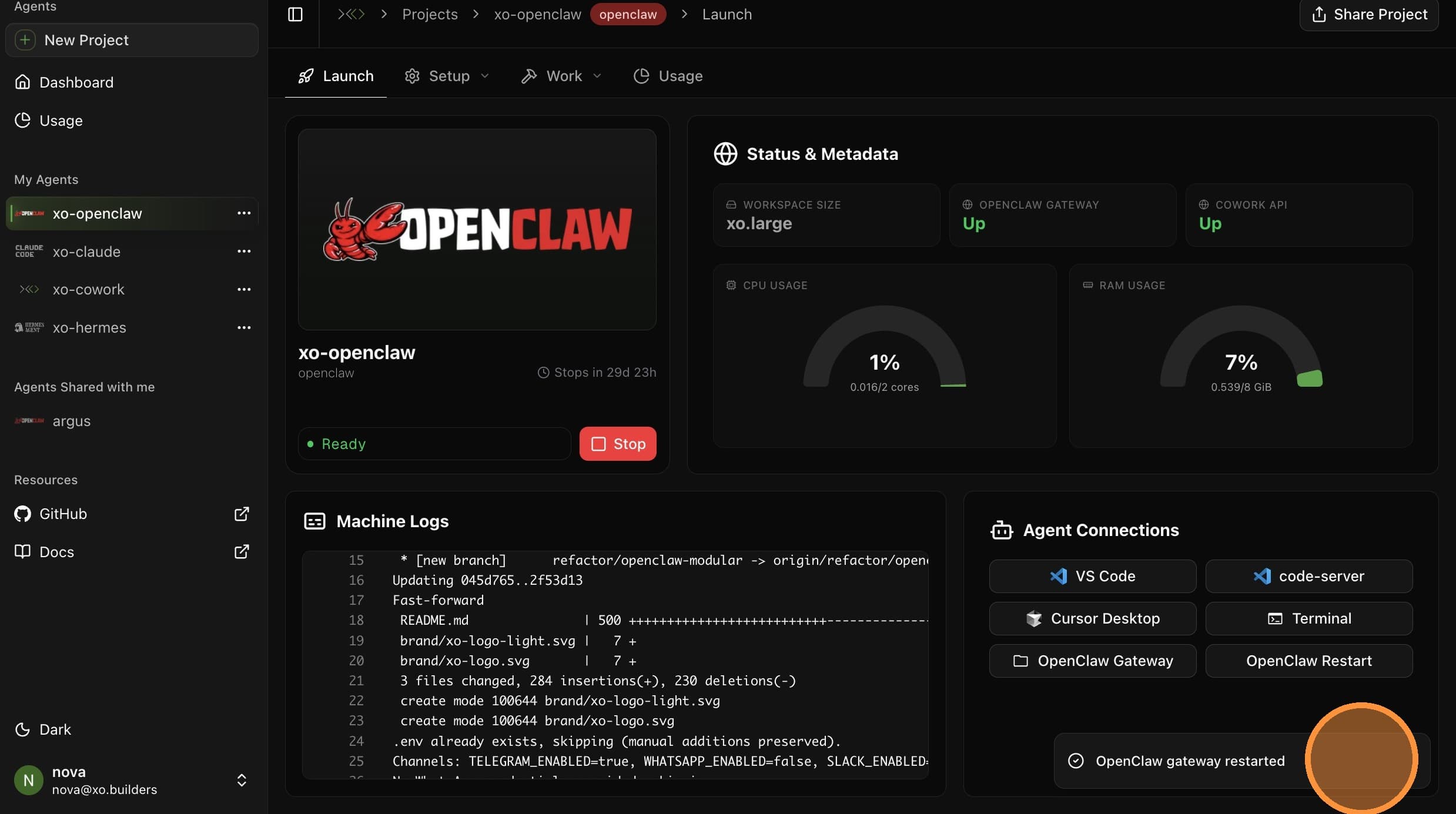
The gateway is now restarting. Wait a minute before opening the gateway again.
Restart from Terminal
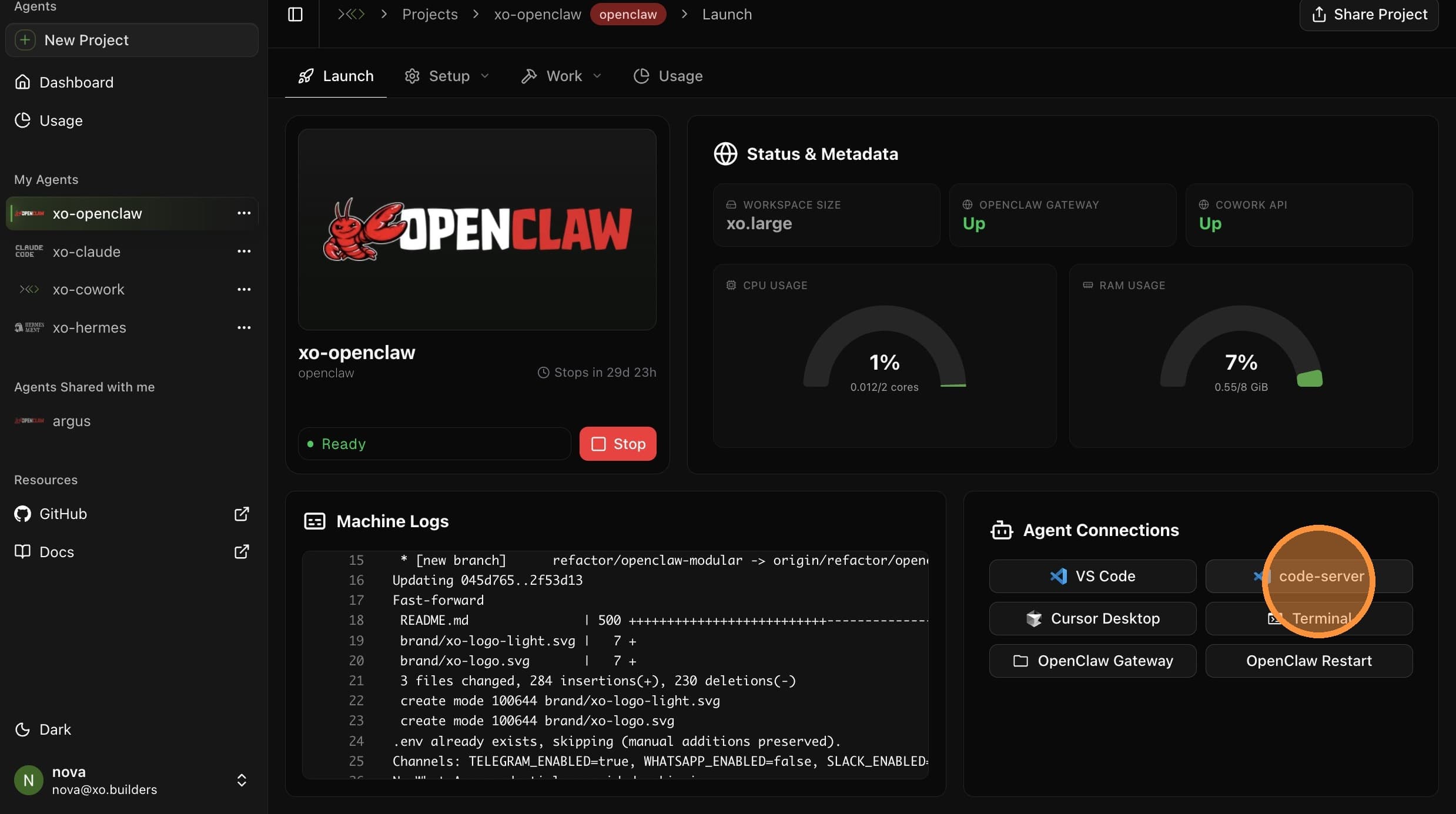
- Open the Launch tab on your project.
- Under Agent Connections, click code-server to open the browser-based VS Code.
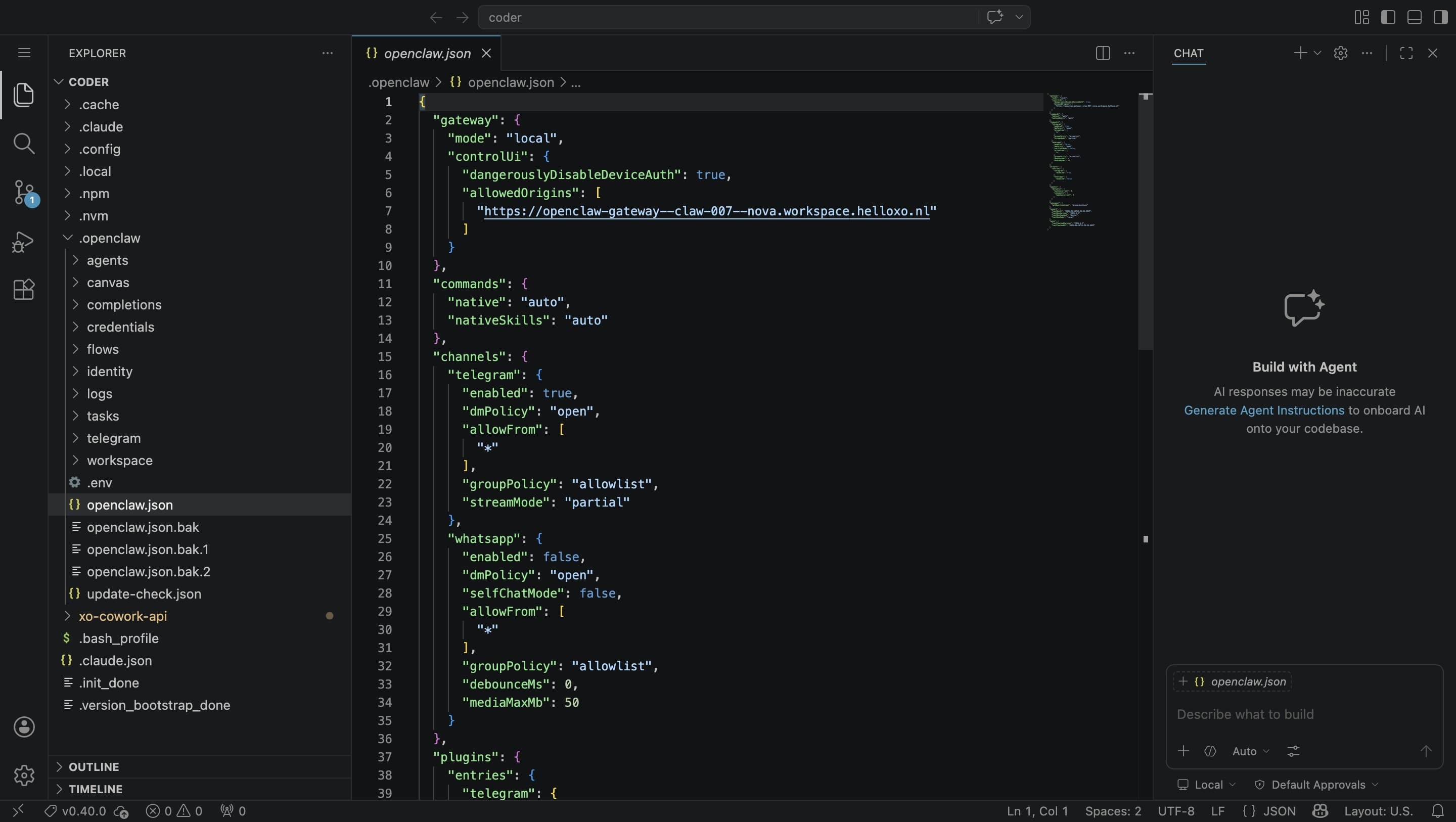
- Open the terminal with
Ctrl + backtick
- Run the restart command:
./xo-cowork-api/openclaw.sh restart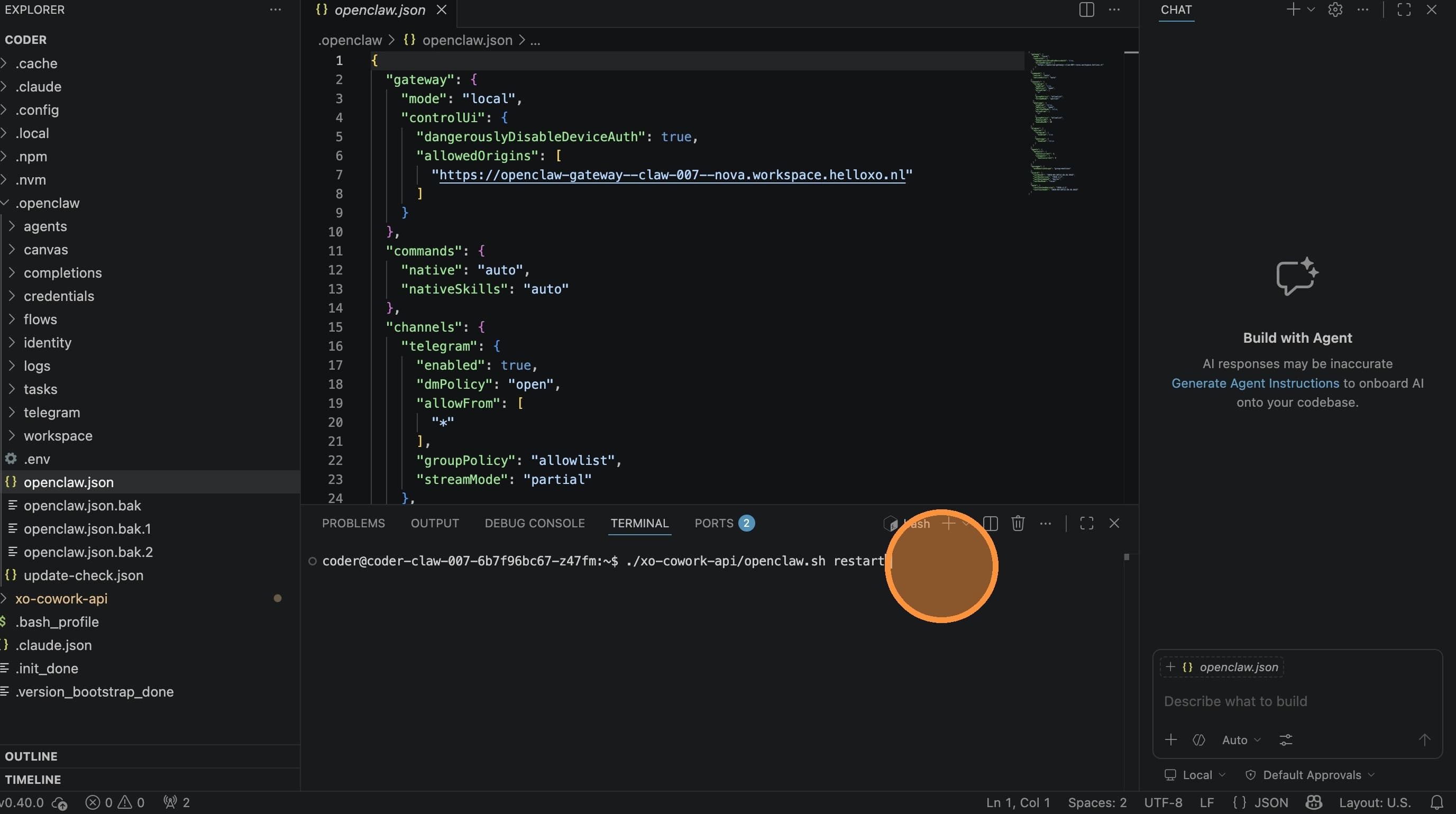
- Check the output for any errors
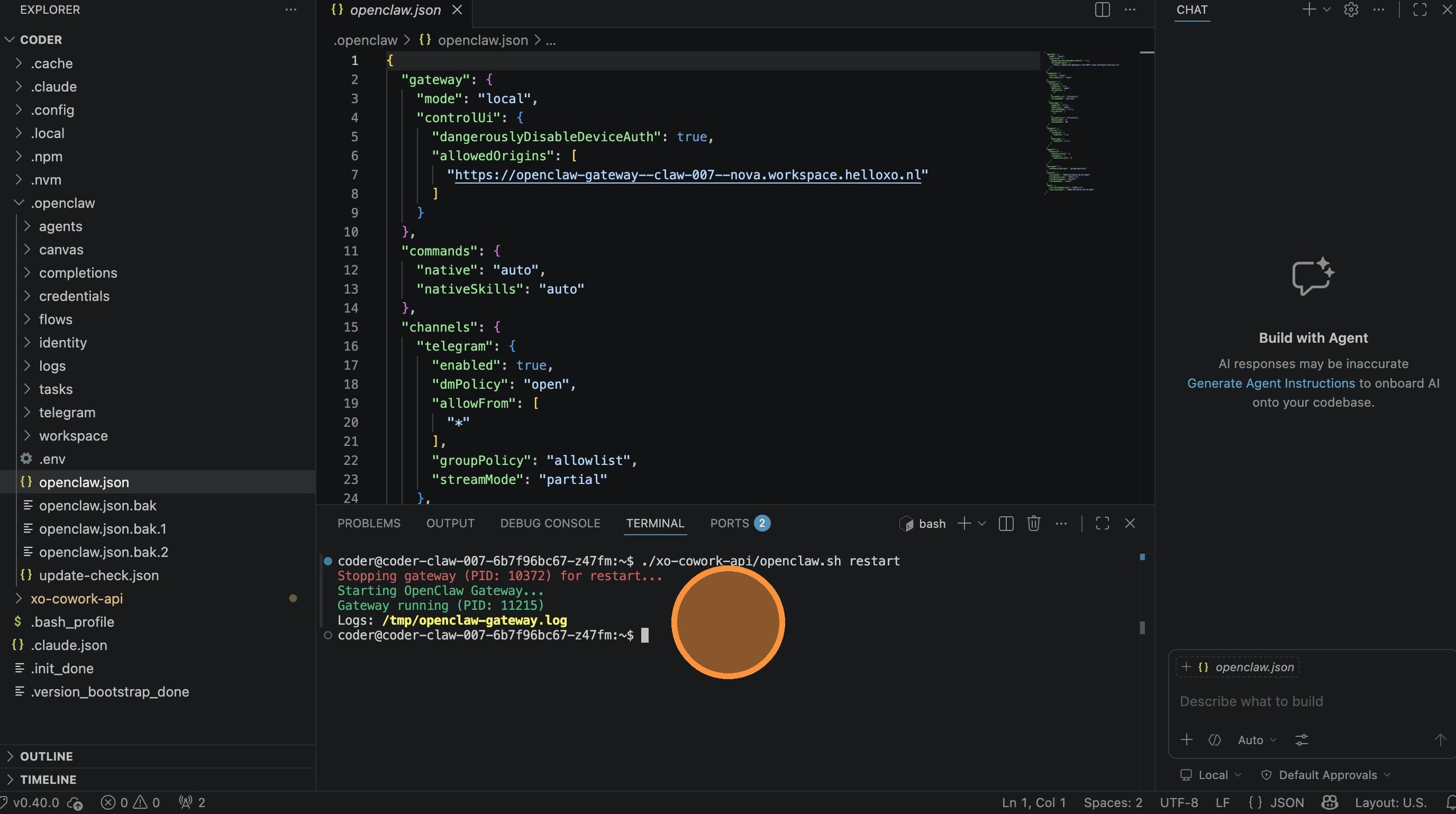
- Check
openclaw-gateway.logfor detailed logs if needed
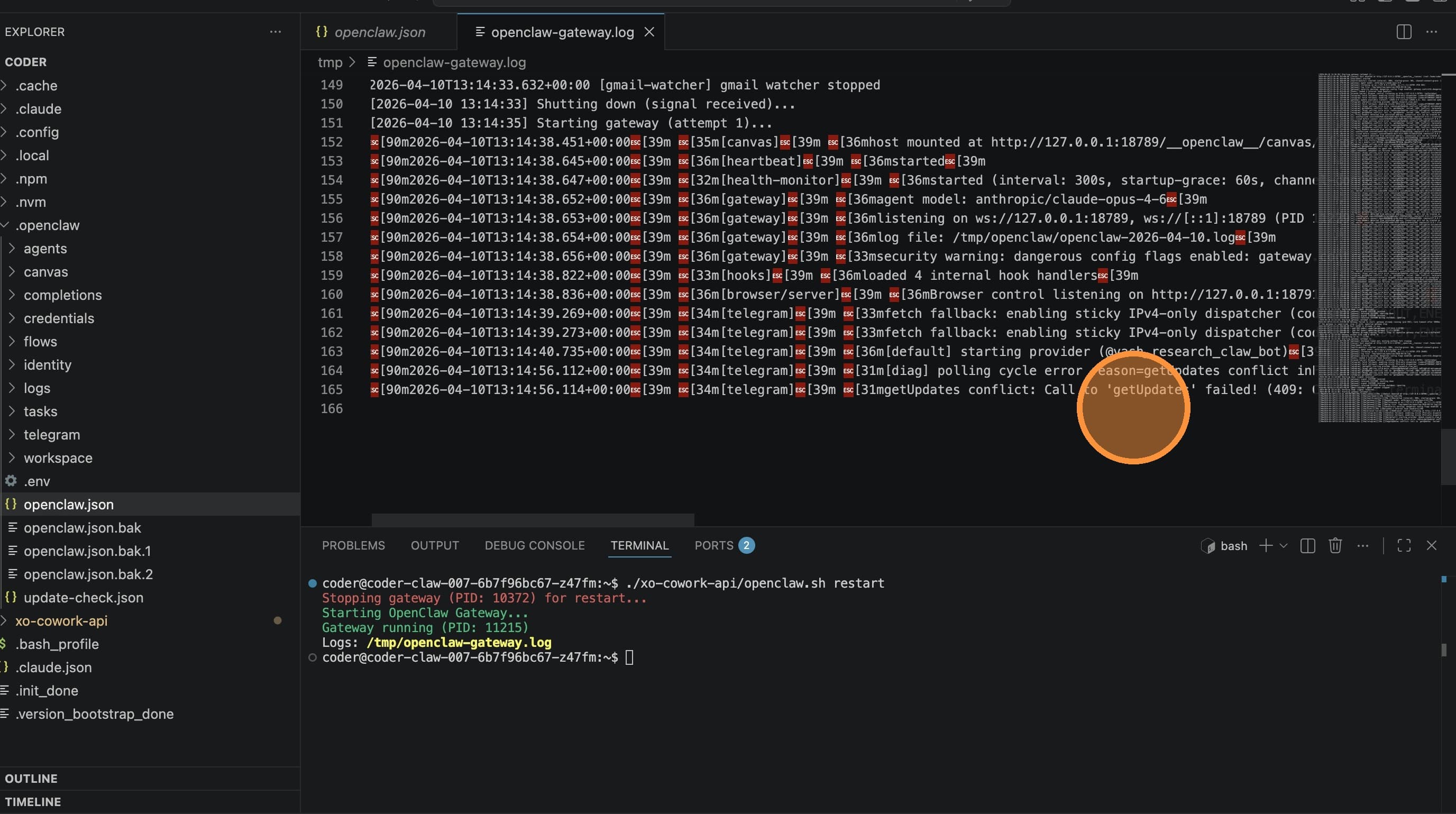
The terminal method is better for debugging — you can see errors in real time and check log files.