Hermes Quickstart
Create and configure a new Hermes project agent on XO.
Set up a Hermes agent on XO: name your project, supply your model and channel credentials, and open the dashboard to monitor your agent.
Setup Walkthrough
What You'll Need
- An XO account
- (Preferred) a model provider — an Anthropic API key, an OpenAI API key, or both
- (Preferred) a channel — a Telegram bot token (from @BotFather), a WhatsApp QR scan, or a Slack app token + bot token
Both are optional at project creation — you can add them later from the Setup menu — but configuring at least one of each up front is recommended.
Deploy Hermes
Create a New Project
Go to beta.xo.builders.
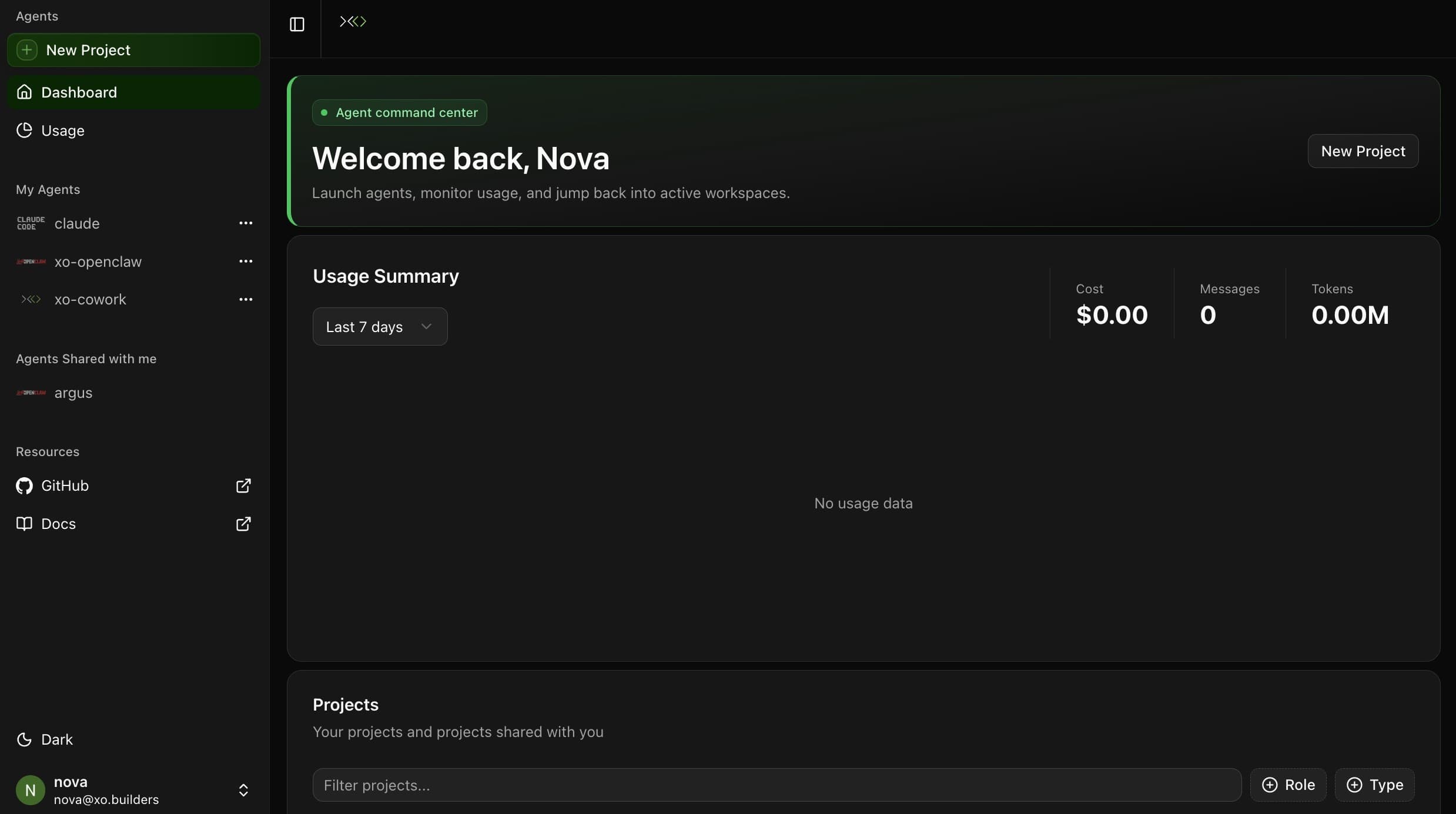
Click New Project in the left sidebar.
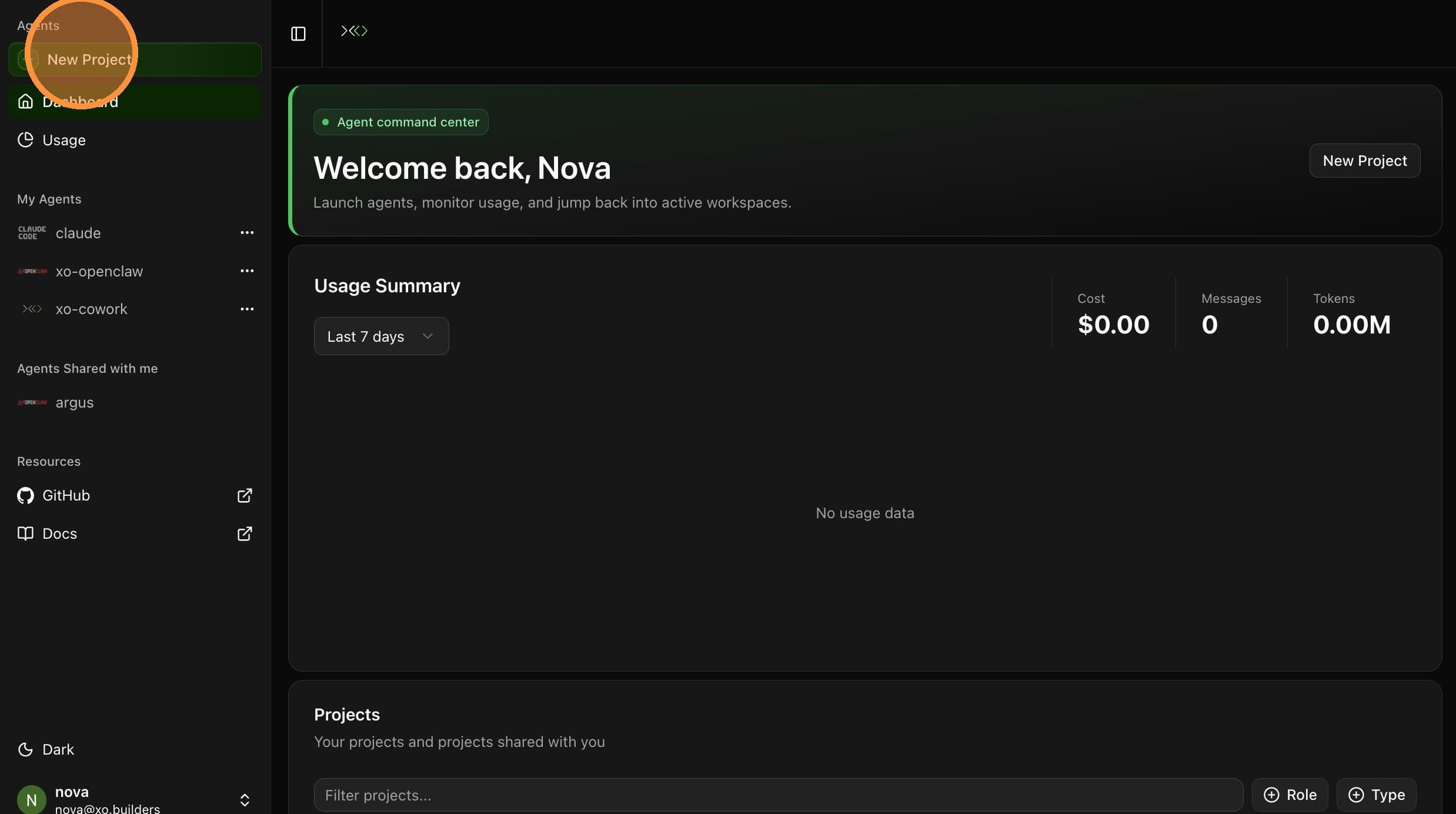
On the Hermes Agent template card, click Create Agent.
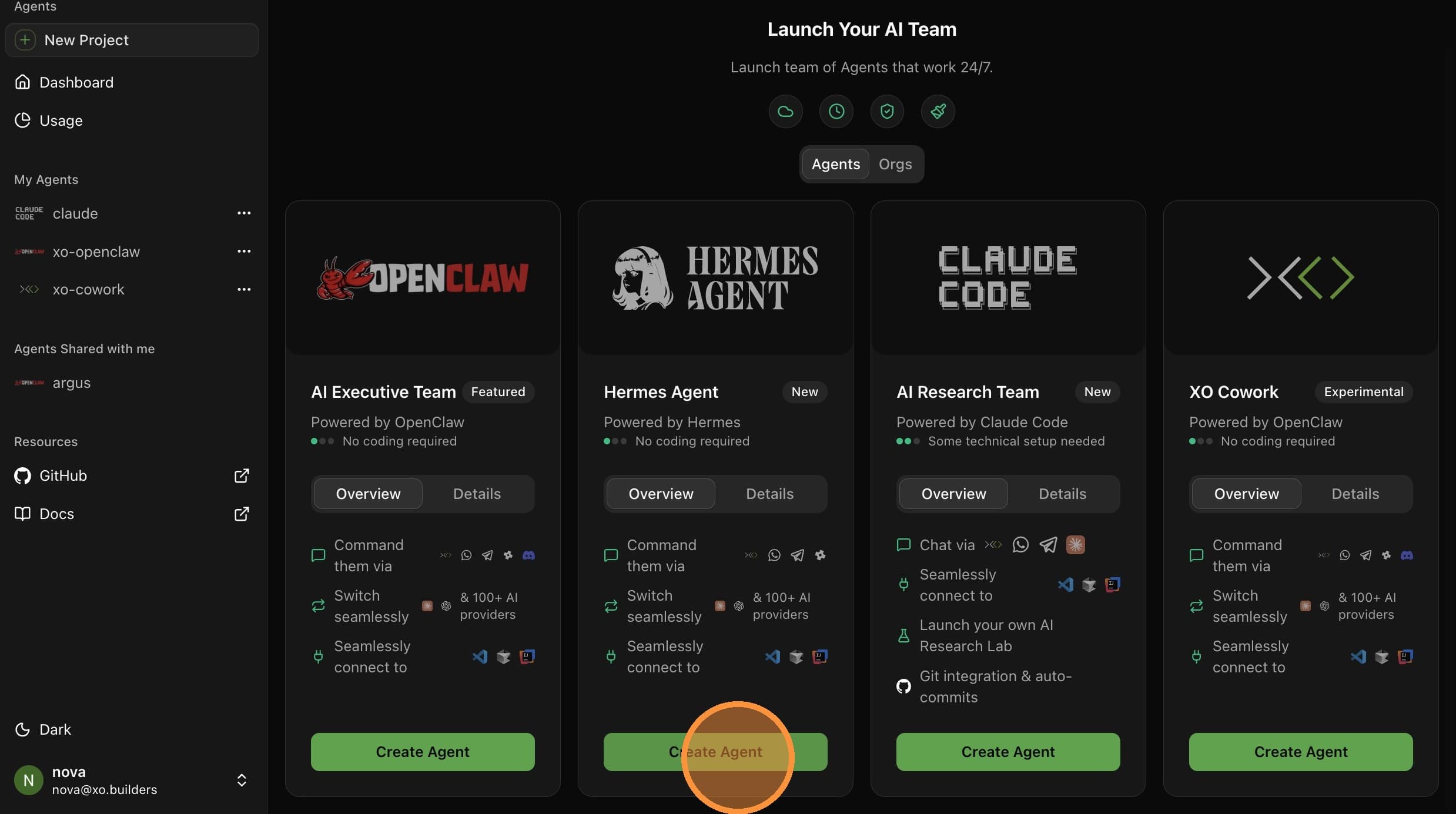
Configure Project Details
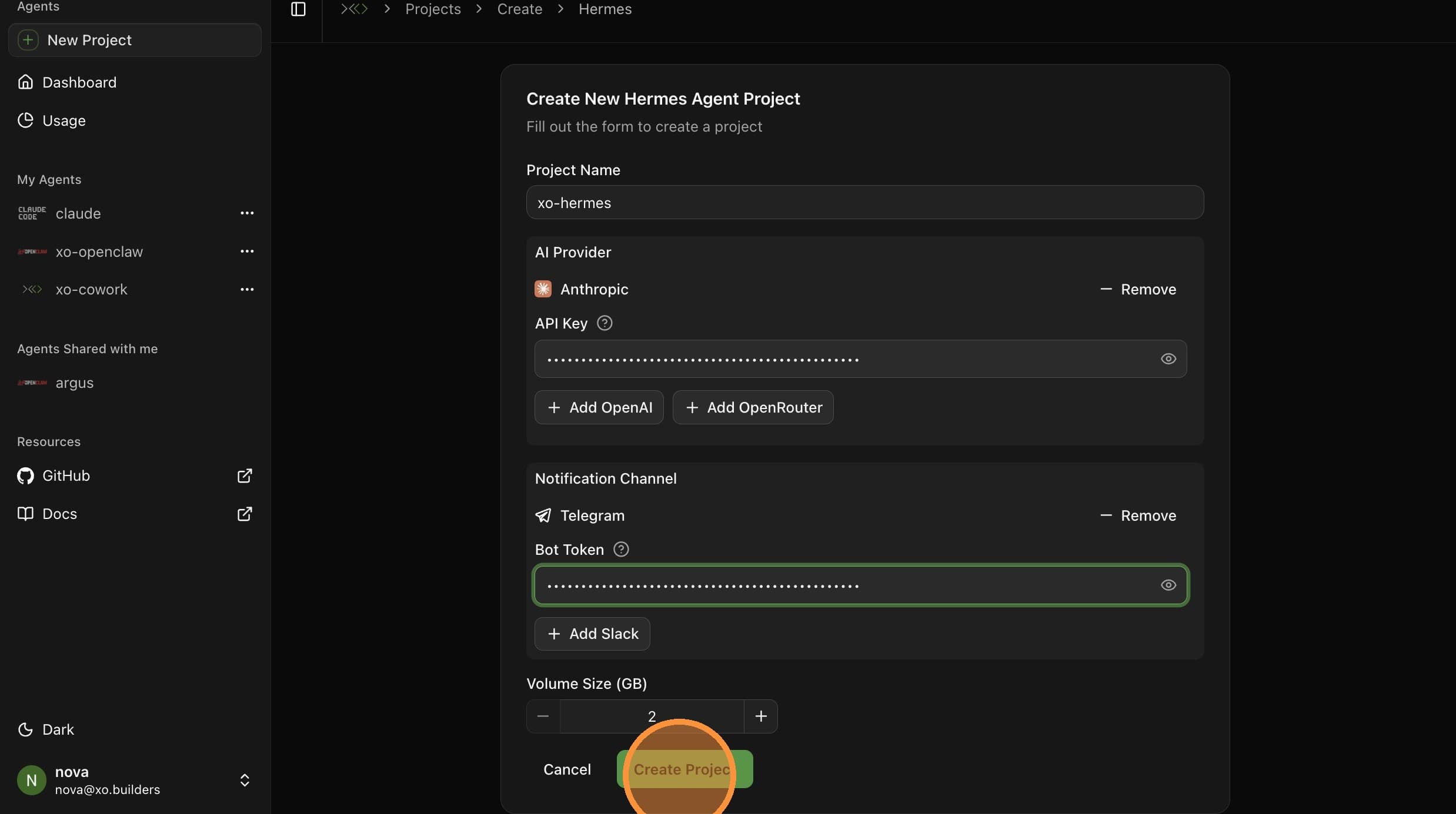
Fill in the project creation form:
| Field | Value |
|---|---|
| Project Name | A unique name — e.g. xo-hermes (note this down, you'll need it for the dashboard URL) |
| Anthropic API Key | Your Anthropic API key |
| OpenAI API Key | Your OpenAI API key |
| Telegram Bot Token | Your token from @BotFather |
| Scan the QR code shown in the form | |
| Slack | Your Slack app token and bot token |
| Volume Size | Default 2 GB is fine for most setups |
All fields are optional — you can create the project without a provider or channel and add them later from the Setup menu. Configuring at least one of each up front is recommended.
Select Anthropic as the AI provider and paste your API key.

Add Telegram as a notification channel and paste your Bot Token.

Click Create Project.
Wait for Startup
Your workspace takes 5–6 minutes to provision. The Hermes environment is being set up in the background.
The agent is ready when Hermes Dashboard and Gateway appear in the Workspace Details sidebar.
Verify Setup
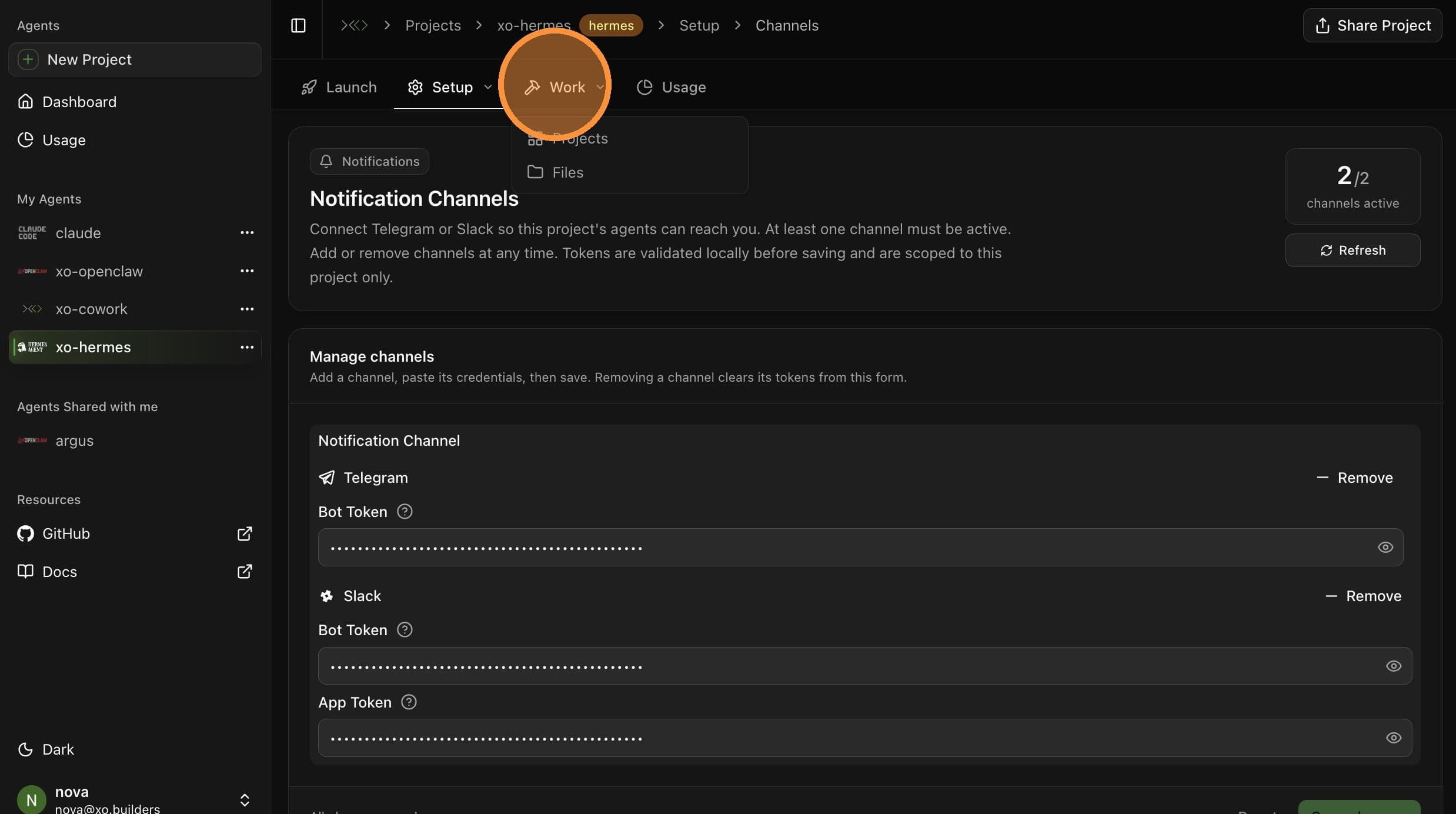
Open the Setup menu and select Overview.
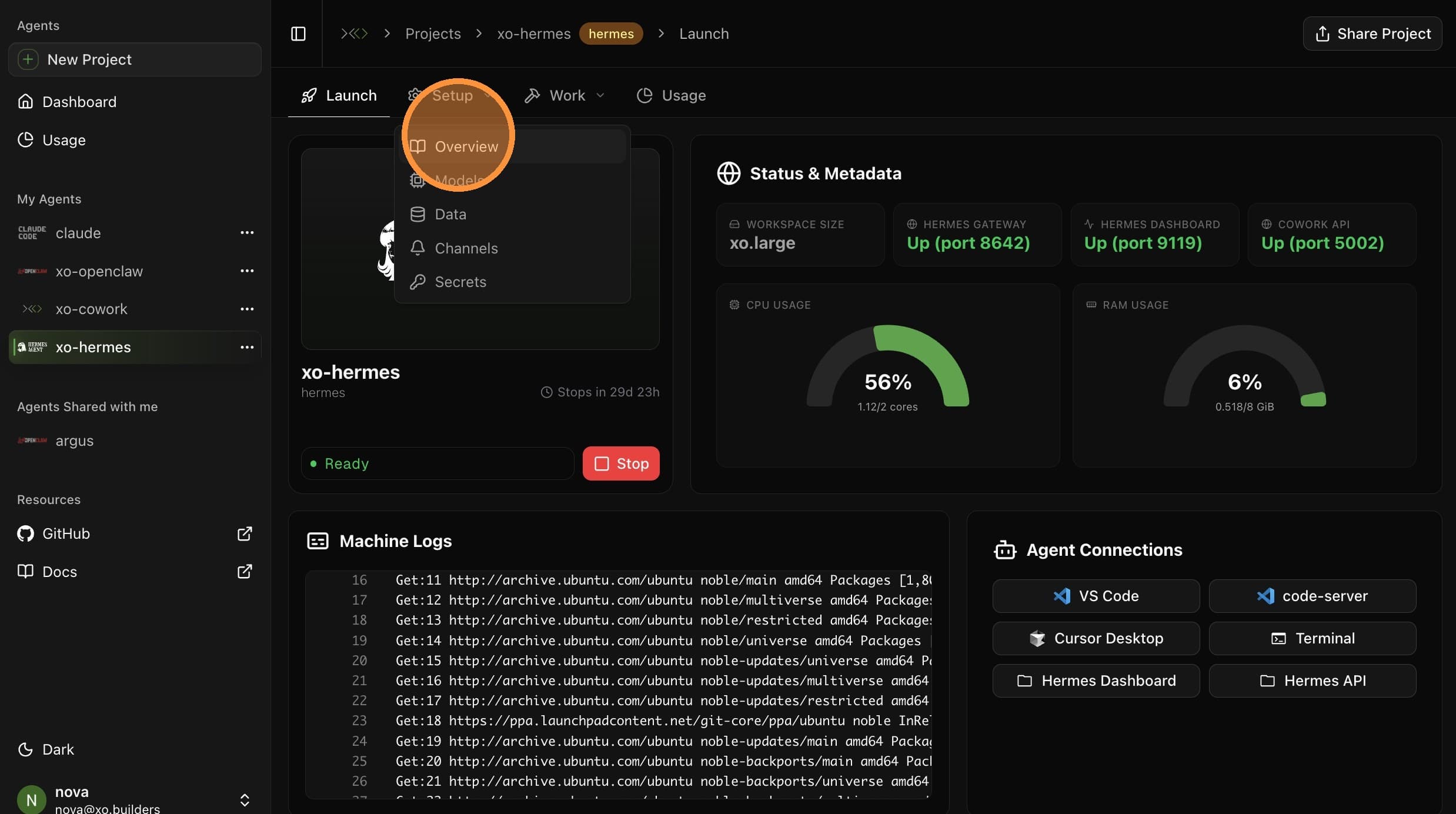
Confirm your Anthropic provider is connected and your API key is valid.
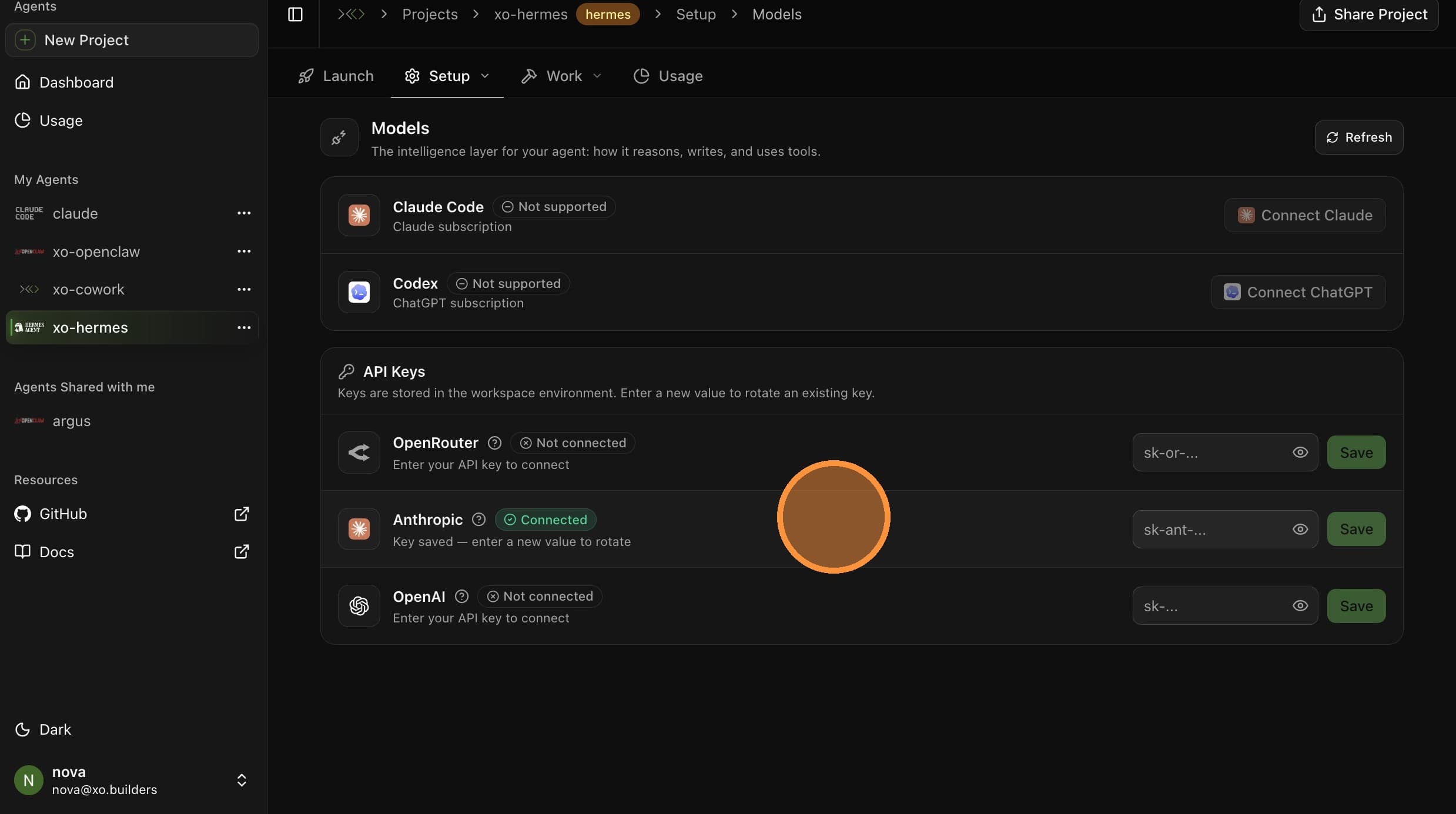
You can also adjust your agent's Data sources and Channels from the Setup menu. These are optional — the defaults from project creation will work.
Set Up a Project Directory

Open the Work menu and create a new project directory for your agent's work — e.g. marketing.
Open the Hermes Dashboard
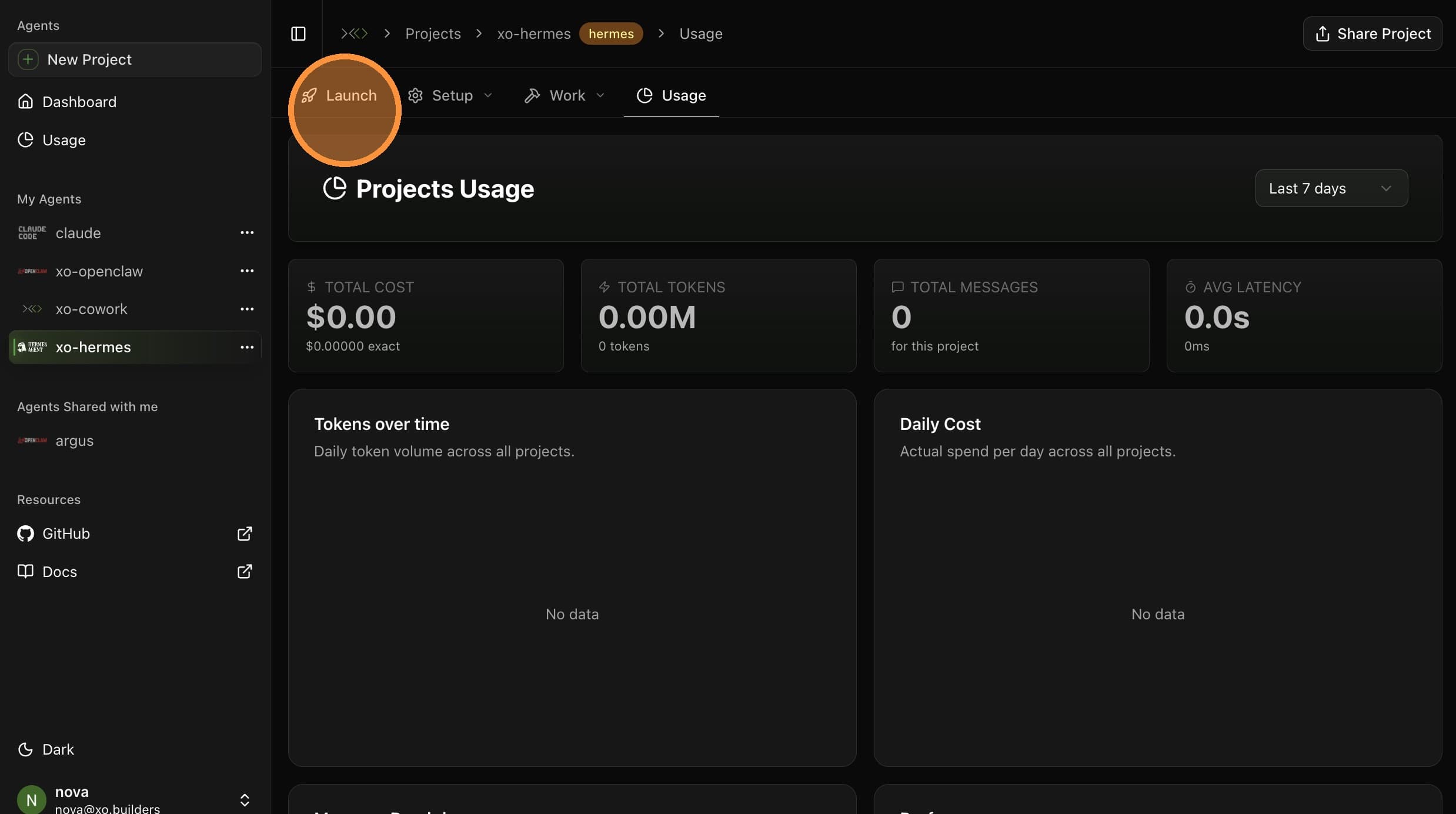
Open the Launch tab and select Hermes Dashboard. The dashboard opens in a new tab.
You'll land on a sign-in page for the dashboard.
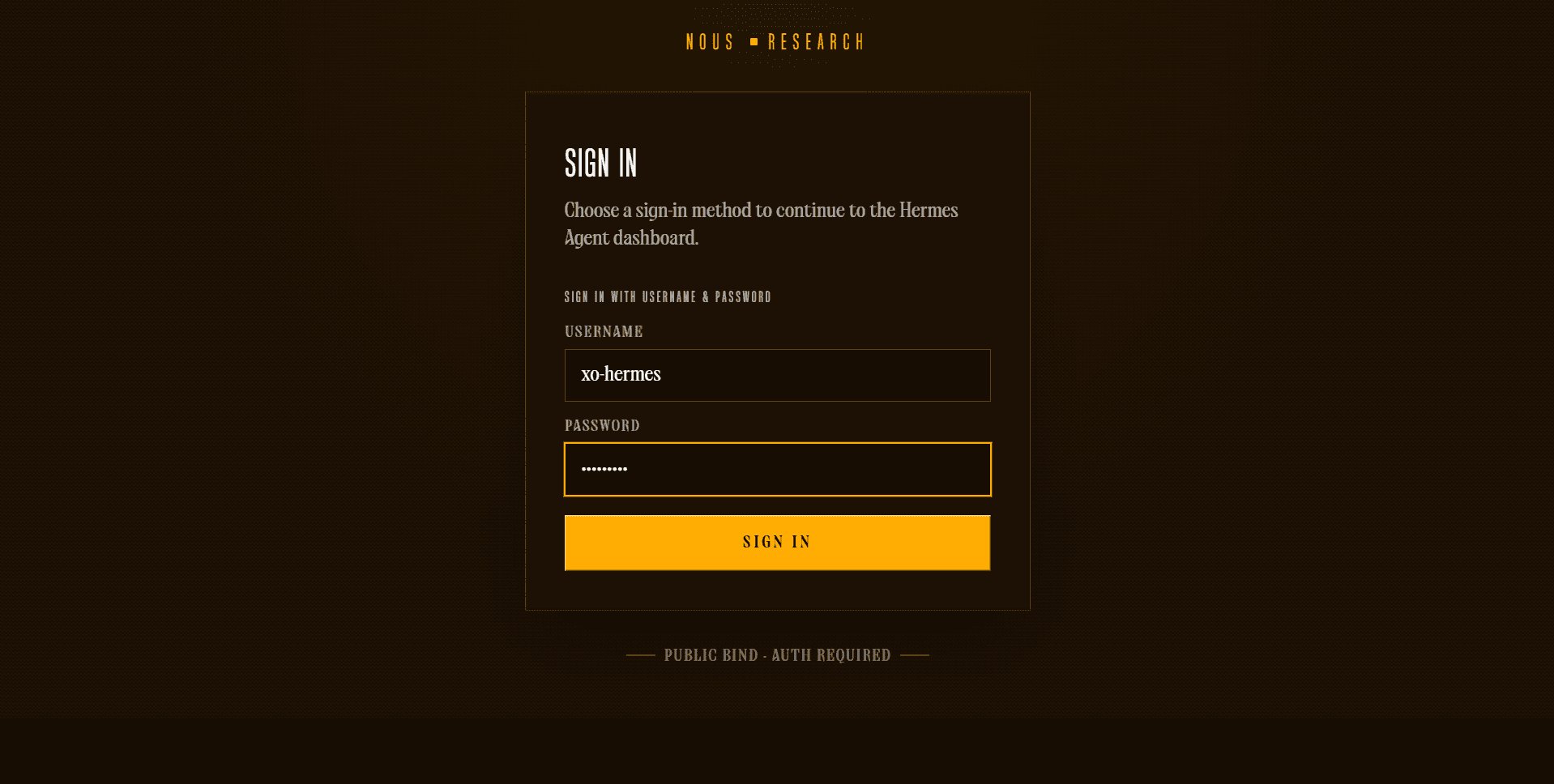
Sign in with your project name as both the username and password.
You'll land on the Hermes Agent dashboard.
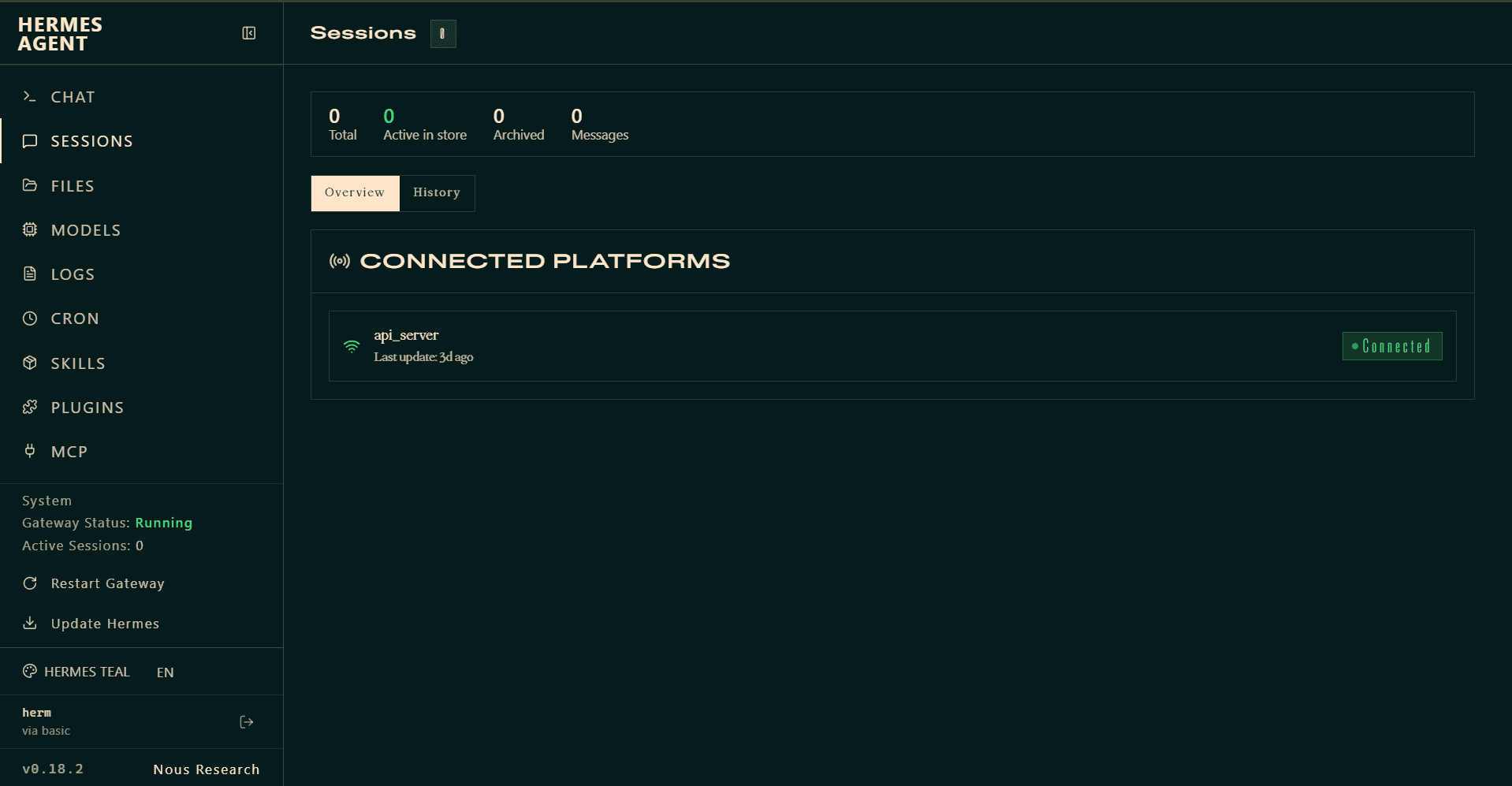
Your agent is now live. Send it a message from your connected messaging app (Telegram, WhatsApp, or Slack), and monitor active conversations from the dashboard.
The Hermes Dashboard URL follows the pattern hermes-dashboard--<project-name>--<workspace-user>.workspace.helloxo.nl. The project name in the URL must match the name you set in Step 2.